EasyManua.ls Logo

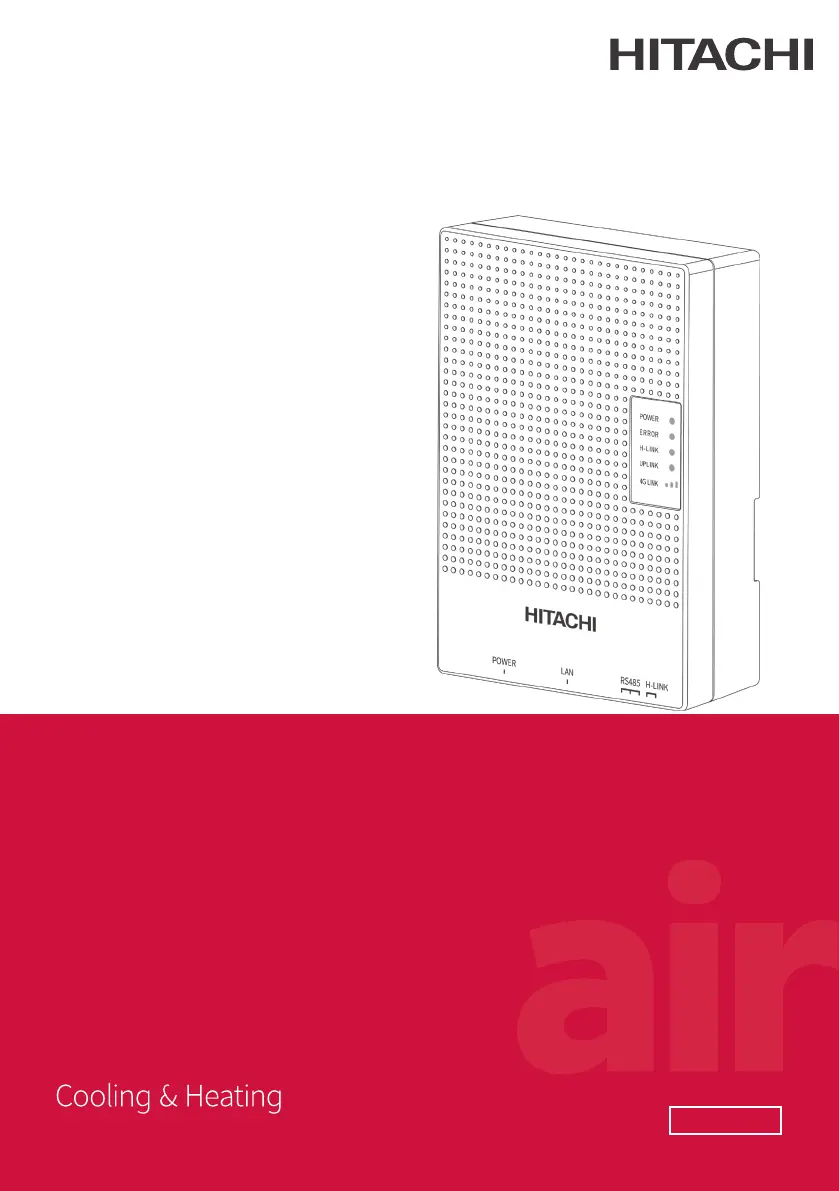
Hitachi airCloud HC-IOTGW - User Manual

Hitachi airCloud HC-IOTGW
64 pages
Print Icon
To Next Page IconTo Next Page
Loading...
INSTALLATION
& MAINTENANCE
MANUAL
airCloud Gateway
AIR CONDITIONER
MANAGEMENT SYSTEM
MODEL
HC-IOTGW
A10013740A

Questions and Answers

Summary

Safety and Precautions

Product Inspection upon Arrival

Inspect product for transit damage and verify contents upon arrival.

General Safety and Installation Precautions

Covers general safety, property damage, installation, and electrical safety measures.

System Configuration

System Configuration Overview

Overview of the airCloud Gateway system configuration, including connected devices and network setup.

Device Identification and Specifications

Details names, functions, key components, and technical specifications of the airCloud Gateway.

Installation and Wiring

Installation Overview and Mounting

Overview of installation steps, including location selection and wall/DIN rail mounting procedures.

Electrical Wiring Procedures

Instructions for wiring power, H-LINK, and LAN cables, emphasizing safety.

Module Installation and Switch Settings

Guides for installing the 4G module and setting DIP switches for configuration.

Network Configuration and Operation

Network Configuration (DHCP and Static)

Procedures for configuring network settings using DHCP or static IP addresses.

Local Web Interface Operations

Login, device list viewing, and rediscovering devices via the local web interface.

Unit Status Monitoring and Control

Viewing and controlling indoor and outdoor unit status and operations.

System Settings and Troubleshooting

Time, Account, and Software Updates

Setting time zone, managing accounts, and updating software for the airCloud Gateway.

Troubleshooting and Maintenance

Solutions for common issues, factory reset, LED indications, regular inspection, and memory card usage.

Summary

Safety and Precautions

Product Inspection upon Arrival

Inspect product for transit damage and verify contents upon arrival.

General Safety and Installation Precautions

Covers general safety, property damage, installation, and electrical safety measures.

System Configuration

System Configuration Overview

Overview of the airCloud Gateway system configuration, including connected devices and network setup.

Device Identification and Specifications

Details names, functions, key components, and technical specifications of the airCloud Gateway.

Installation and Wiring

Installation Overview and Mounting

Overview of installation steps, including location selection and wall/DIN rail mounting procedures.

Electrical Wiring Procedures

Instructions for wiring power, H-LINK, and LAN cables, emphasizing safety.

Module Installation and Switch Settings

Guides for installing the 4G module and setting DIP switches for configuration.

Network Configuration and Operation

Network Configuration (DHCP and Static)

Procedures for configuring network settings using DHCP or static IP addresses.

Local Web Interface Operations

Login, device list viewing, and rediscovering devices via the local web interface.

Unit Status Monitoring and Control

Viewing and controlling indoor and outdoor unit status and operations.

System Settings and Troubleshooting

Time, Account, and Software Updates

Setting time zone, managing accounts, and updating software for the airCloud Gateway.

Troubleshooting and Maintenance

Solutions for common issues, factory reset, LED indications, regular inspection, and memory card usage.

Hitachi airCloud HC-IOTGW Specifications

General IconGeneral
Product NameairCloud HC-IOTGW
CategoryGateway
ManufacturerHitachi
ConnectivityEthernet, Wi-Fi
Supported ProtocolsModbus
Compatible DevicesHitachi HVAC systems
Cloud IntegrationHitachi airCloud
Security FeaturesUser authentication
Power Supply24V DC

Related product manuals