Need help?
Do you have a question about the Hitachi ATW-RTU-05 and is the answer not in the manual?
Adherence to electrical standards and critical safety points for product installation, including power shut-off.
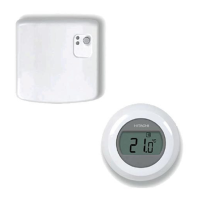
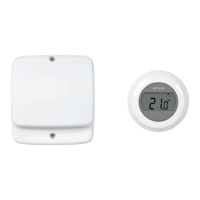
Lists the components provided with the product for installation and operation.
Provides general guidance on installing RF technology components, considering building structure impact on signal reliability.
Detailed steps for installing the RF receiver, including wiring and mounting.
Provides the physical dimensions of the RF receiver unit.
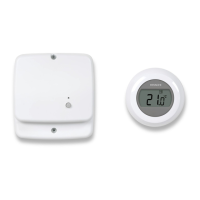
Identifies and describes the various components and features of the RF receiver unit.
Lists the technical specifications such as supply voltage, wattage, dimensions, and environmental operating limits.
Details the radio frequency and Yutaki H-Link communication parameters for the system.
Explains the DIP switch settings for the device, including factory defaults and adjustments.
Step-by-step guide for locating and mounting the wireless room thermostat on the wall.
Explains the LED indicators for the RF receiver's operational status and fault conditions.
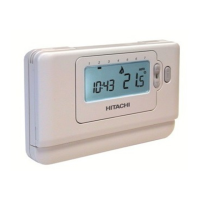
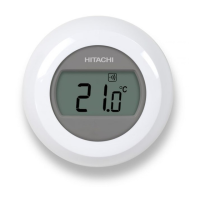
Detailed explanation of the thermostat's features, icons, and basic operation.
Defines the meaning of various icons displayed on the thermostat screen during operation.
Guide on how to adjust the desired room temperature using the thermostat's dial and display.
Recommendation for setting a lower temperature at night for energy saving.
Describes the menu used for setting maximum and minimum temperature limits on the thermostat.
Explains how to use the temperature dial to turn the system ON or OFF.
Instructions on how to access and use the thermostat's installation menu for advanced settings.
Procedure for resetting the thermostat to its factory default settings.
 General
| Brand | Hitachi |
|---|---|
| Model | ATW-RTU-05 |
| Category | Thermostat |
| Language | English |

 To Next Page