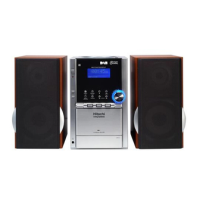
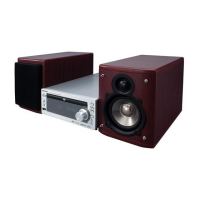
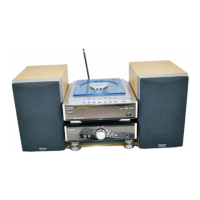
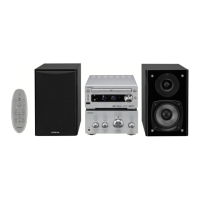
Contents
Safety Warnings ....................................................................................................................6
Unpacking .............................................................................................................................8
Control Locations .................................................................................................................9
The CD Player ................................................................................................................................................. 9
The Amplier .................................................................................................................................................9
The Remote Control ................................................................................................................................. 10
Installation of Battery ........................................................................................................11
Handling the Remote Control .............................................................................................................. 11
Handling the Battery ................................................................................................................................ 12
Connections ........................................................................................................................13
Connecting the Speakers ....................................................................................................................... 13
Connecting the FM Aerial....................................................................................................................... 13
Connecting Auxiliary Equipment ........................................................................................................ 14
Connecting Control Cable...................................................................................................................... 14
Connecting the AC Power Plug ............................................................................................................ 14
ECO-Power/Standby Features ...........................................................................................15
Sound Quality .....................................................................................................................15
Adjusting the Volume .............................................................................................................................. 15
Adjusting the super bass ........................................................................................................................ 15
Control the Loudness ............................................................................................................................... 15
Preset Equalizer .......................................................................................................................................... 15
Changing the VFD Darkness.................................................................................................................. 15
Listening to Radio Broadcasts ...........................................................................................16
Tuning in a Station .................................................................................................................................... 16
Presetting Stations .................................................................................................................................... 16
To change the FM Reception Mode .................................................................................................... 17
RDS (Radio Data System) Reception .................................................................................17
CD Operation ......................................................................................................................18
CD Playing .................................................................................................................................................... 18
To Skip Search or Search and Play ....................................................................................................... 18
Program Play ............................................................................................................................................... 18
Random Play (CD and MP3 discs) ........................................................................................................ 19
Playing the Beginning (Intro) of each Track ..................................................................................... 19
Playing Repeatedly ................................................................................................................................... 19
MP3 Disc Playing ................................................................................................................20
Playing Repeatedly ................................................................................................................................... 20
Use the USB .........................................................................................................................21
Playing Repeatedly ................................................................................................................................... 21
AX-M76E_IB_01GB_RC_Final130528.indd 2 02/08/2013 11:32 AM


 To Next Page