EasyManua.ls Logo

Hitachi BTN1 - User Manual

Hitachi BTN1
21 pages
Print Icon
To Next Page IconTo Next Page
Loading...
Owner’s Guide
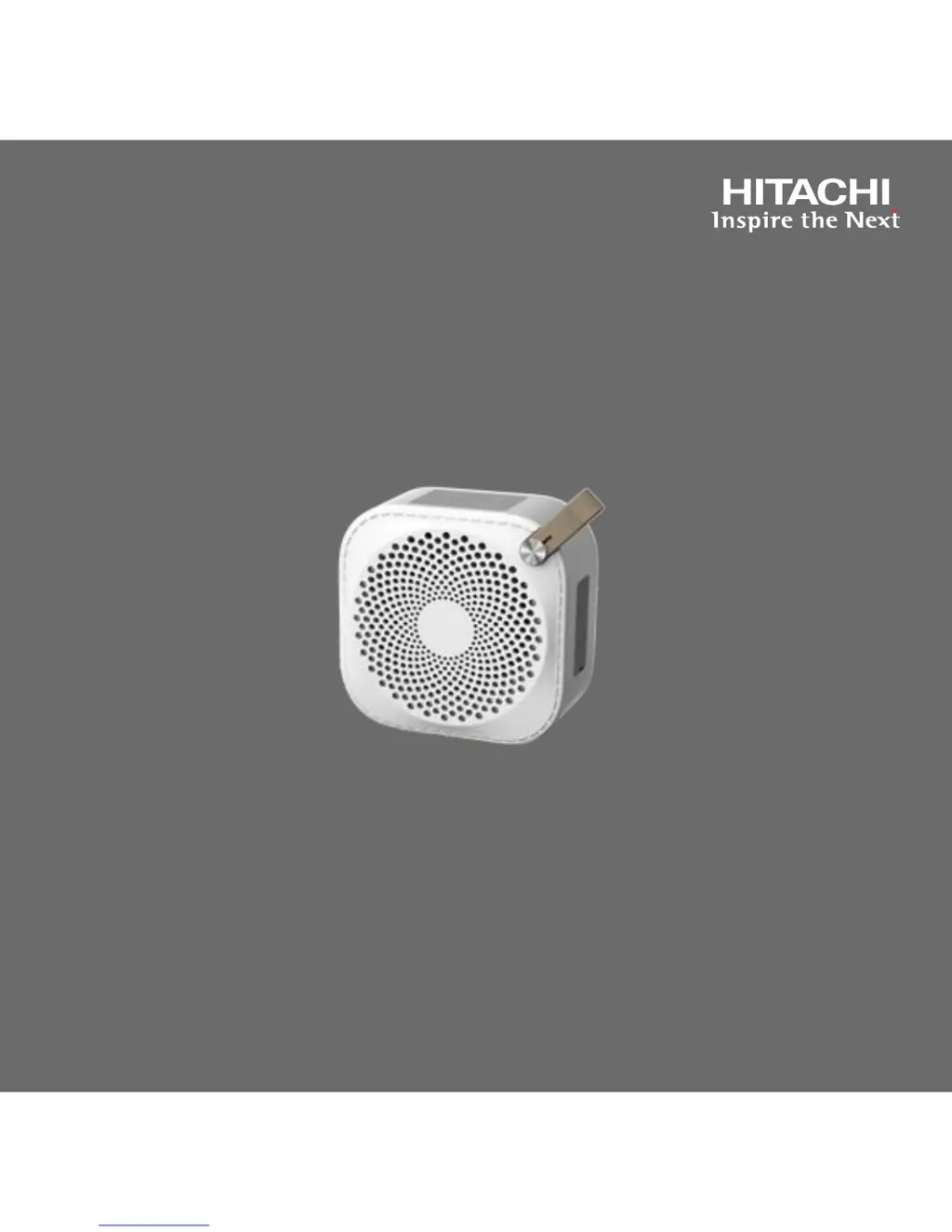
Bluetooth Speaker: BTN1
High Performance
Bluetooth Speaker
Revision 06012015

Questions and Answers

  • T
    Timothy CohenJul 27, 2025
    How to fix a Hitachi speaker that has no sound?
    • G
      Gerald MartinJul 27, 2025
      If your Hitachi speaker isn't producing any sound, first ensure it was adequately charged before use. Next, check and increase the volume levels on both the audio source and the speaker itself. Also, verify that the “Line In” cable is correctly plugged in. Finally, confirm that your audio playback device is properly connected and actively playing audio.
  • J
    James AlvarezAug 1, 2025
    What to do if Bluetooth pairing fails on Hitachi BTN1 Speakers?
    • M
      Michael BlevinsAug 1, 2025
      To resolve Bluetooth pairing issues with your Hitachi speakers, make sure the speaker is in pairing mode, indicated by a blinking Bluetooth button. If it's not blinking, press and hold the Bluetooth button until it does, then try pairing again. Also, ensure that the “Line In” (3.5mm) cable is disconnected, as this can interfere with Bluetooth pairing.
  • R
    ramosashleyAug 6, 2025
    Why do my Hitachi BTN1 have a humming noise?
    • C
      Cynthia BishopAug 6, 2025
      If your Hitachi speaker is producing a humming noise or distorted sound, ensure that all cables are correctly connected. Check that the connected device isn't the source of the noise or distortion. If the issue persists, try replacing the audio cable.
  • C
    charles13Aug 11, 2025
    What to do if Hitachi BTN1 audio is interrupted?
    • D
      Dawn CooperAug 11, 2025
      If the audio from your Hitachi speaker is interrupted or breaking up, make sure the speaker and the connected Bluetooth device are within 33 feet (10 meters) of each other. Also, ensure there are no obstructions between the speaker and the Bluetooth device.
  • J
    John BradleyAug 16, 2025
    Why is my Hitachi speaker not charging?
    • R
      Regina DixonAug 16, 2025
      If your Hitachi speaker isn't charging, first verify that the Micro USB charging cable is correctly connected. Next, check if the Micro USB charging cable can charge other devices normally. Finally, ensure the USB port you're using has a 1A rating.
  • T
    taylortylerAug 21, 2025
    How to reset Hitachi Speakers that are not responding?
    • T
      tsmithAug 21, 2025
      If your Hitachi speaker is unresponsive and won't power off, locate the small pinhole marked RESET on the right side of the speaker, under the protective rubber cover. Insert a straightened paper clip into the pinhole and depress the switch inside. This will automatically power off the speaker.

Summary

Congratulations

Safety Warnings

Electrical Safety Precautions

Warnings regarding electric shock, user-serviceable parts, and proper plug usage.

Fire and Moisture Hazards

Precautions against fire and shock hazards related to rain, moisture, and open flames.

Compliance and Battery Information

FCC Compliance and Radio Interference

Information on FCC compliance and measures to correct radio interference.

Battery Replacement and Disposal

Notes that the battery is not user-replaceable and provides disposal guidance.

RF Exposure and Recycling Notice

FCC RF Exposure and Product Modifications

Guidelines for FCC RF exposure compliance and consequences of unauthorized modifications.

E-Waste and Recycling Information

Instructions for disposing of and recycling the product according to electronic waste laws.

Declaration of Conformity

Important Safety Instructions

Polarized Plug and Power Cord Safety

Guidance on polarized plugs, grounding, and protecting the power cord.

Further Safety Instructions

Service and Electrical Hazard Precautions

Warnings against unauthorized servicing and precautions against electrical hazards from unit openings.

Condensation and Package Contents

Charging the Battery

Product Layout and Controls

Bluetooth Button Operations

Playing Music via Bluetooth

Line In Mode and Cleaning

Low Battery Warning

Troubleshooting: Sound and Charging Issues

Troubleshooting: Connectivity and Responsiveness

Care and Maintenance

Specifications

IP54 Water and Dust Resistance

Customer Support and Contact Information

Limited Warranty Terms and Conditions

Parts, Labor, and Service Procedures

Details on free replacement parts/labor, warranty for replacement parts, and shipping procedures for service.

Limited Warranty Limitations and Legal

Warranty Exclusions and Disclaimers

Lists conditions and damages not covered by the warranty, including modifications, misuse, and commercial use.

Hitachi BTN1 Specifications

General IconGeneral
BrandHitachi
ModelBTN1
Output Power3W
TypeBluetooth Speaker
ConnectivityBluetooth

Related product manuals