10
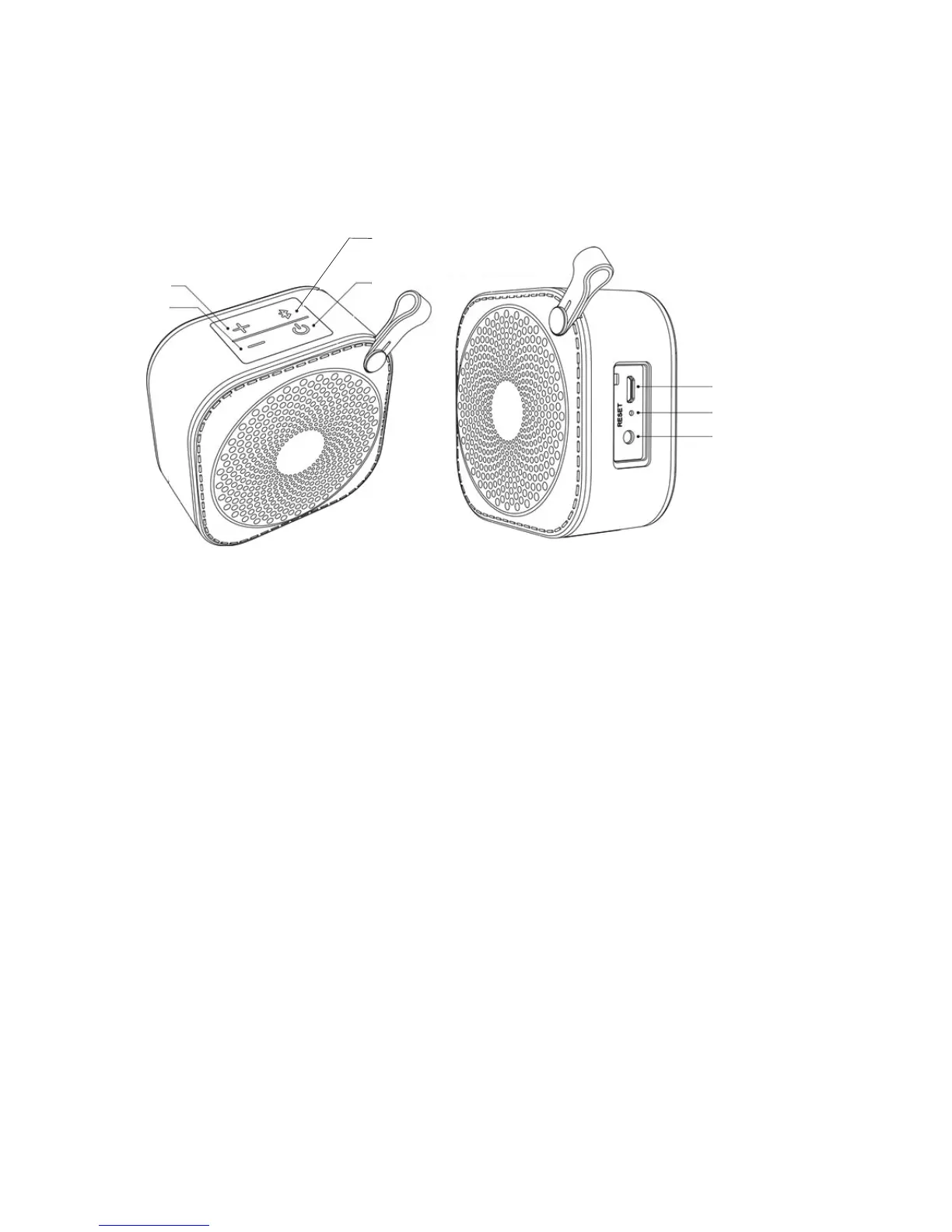
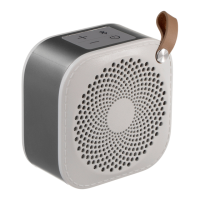
Product Layout
① Vol+
② Vol-
③Bluetooth Pairing/Hands Free/Play/Pause
④ Power On/Off
⑤ Micro USB
Charging Input
⑥ Reset
⑦ Line In
o Reset: Press to power o the speaker if the speaker stops
responding.
k Vol-: Decrease volume.
l Bluetooth Pairing/Hands Free/Play/Pause: See table on
page 11.
m Power On/O: Short press to power on, long press (press
and hold) to power o. Battery charging and status light.
n Micro USB charging input: Used to charge the speaker’s
battery.
j Vol+: Increase volume.
p Line In: 3.5mm input for external sources.


 To Next Page