CONNECTION
7
CHANNEL LIST
Channel list is the place where the channels are
managed.The following operations can be performed in
this menu:
Ø Navigating channel list Ø Deleting channels
Ø Renaming channels Ø Setting favourite list
Ø Adding locks to channels
2
GETTING STARTED
4
REMOTE CONTROL
3
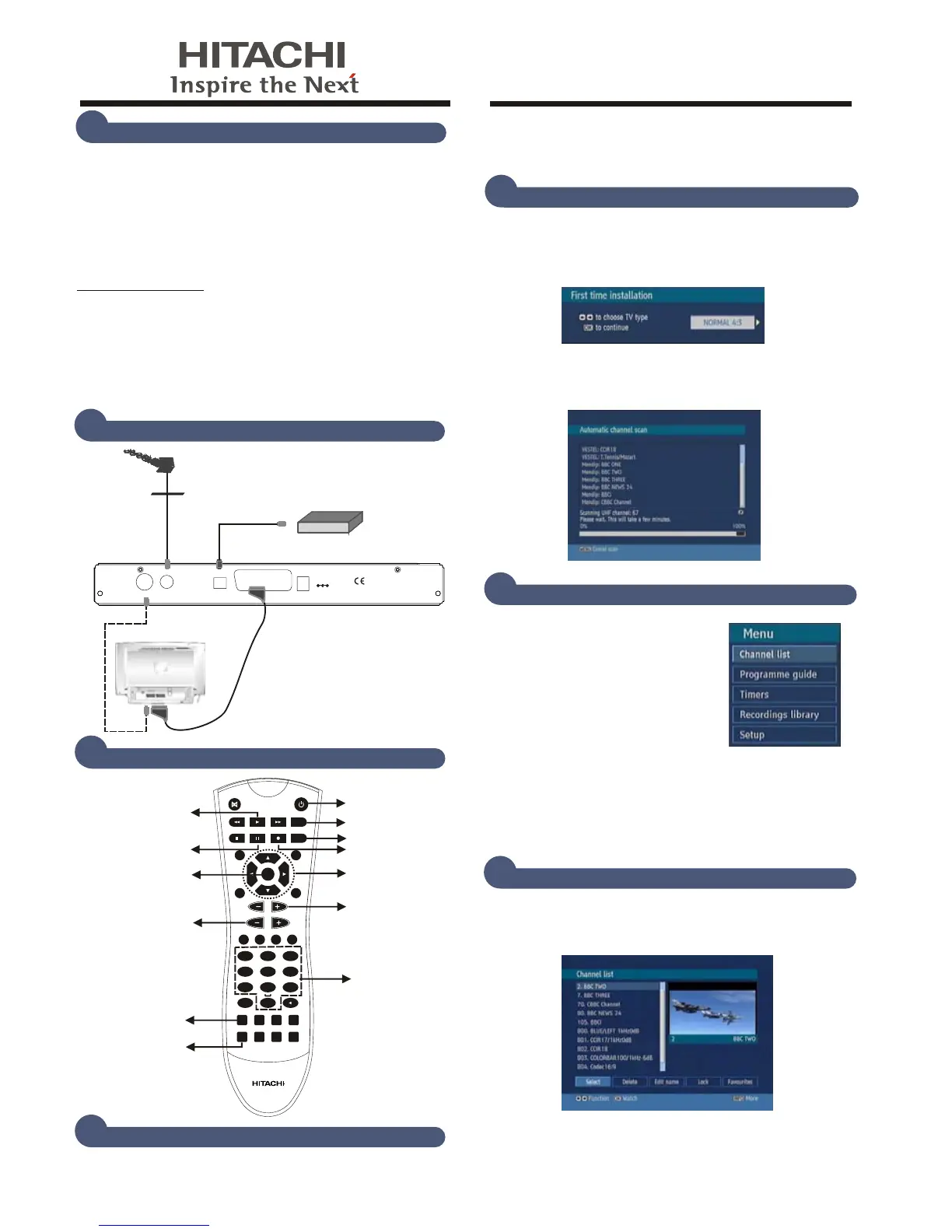
Connect all cables before plugging in to mains. When the set-
top-box is first powered up please wait for a while before
activating the receiver since booting of software will take
BEFORE YOU START
1
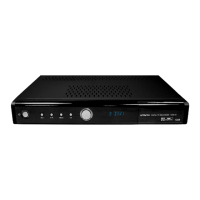
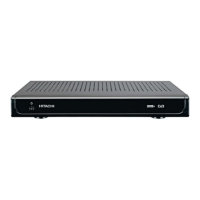
This Digital TV Recorder (DTR) can only receive and record
Digital Terrestrial TV (Freeview) signals.
Please check that
you are in a Digital TV reception area. The FREEVIEW
service is subject to coverage. An aerial upgrade may be
required. FREEVIEW TM and logo © DTV services Ltd 2002.
To check FREEVIEW coverage in your area now text your
postcode to 83331 for a reply
in seconds (standard network
charges apply), telephone 08708 80 99 80 or visit
www.freeview.co.uk Please check that all the following
accessories are included and then insert the batteries in the
remote control, ensuring that they are the correct way round.
some time. Then, you can turn on your digital set-top box
by pressing the STANDBY button on the remote control.
Accessories:
- 1 Remote Control & 2 x AAA batteries
- 1 Operation Manual
- 1 Scart Cable (21 pin cable)
- 1 RF Cable
DIGITAL TV RECORDER
HDR 255
OK
TEXT BACK
MENU
INFO
PR
VOL
2
3
5
6
7
89
0
ABC DEF
GHI JKL MNO
LIB.
P P
SUBT.
1
4
PQRS
TUV
WXYZ
FAV. WIDE
GUIDE
PIP PIP-
SWAP
PIP+
TIMERS
AUX
PIP WINDOW
PICTURE IN
PICTURE
OK KEY
MENU
PROGRAM
UP/DOWN
RECORD
PAUSE
TIMESHIFT
PLAY
VOLUME
UP/DOWN
TIMERS
STANDBY
ON OFF
ARROW KEYS
NUMERIC
KEYS
LIBRARY
5
FIRST TIME INSTALLATION
Ø Set the TV type with “3/4” keys and press OK .You
can select Normal 4:3 or Widescreen 16:9 if you have a
widescreen TV.
6
MAIN MENU
Main menu is accessed by pressing
the MENU key on the remote control.
Ø Navigate with “5/6” keys among
the menus and press OK to activate
menus.
Ø The list of the programmes,
Channel List, Electronic Programme Guide, Timers,
Recordings Library and Setup menu are reached from
main menu.
Ø Press BACK to exit the main menu.
Ø Automatic channel scan window appears and the unit
starts to search for channels.
TV Aerial
TV
AC3 DIGITAL
AMPLIFIER
35026603
SCART (TV)
ANTENNA IN
ANTENNA OUT
DC IN
OPTICAL
AUDIO OUT


 To Next Page
 Loading...