9
ENGLISH
Introduction
Main Functions
This tablet is an interactive tool for use with Hitachi projectors; it offers effective features for
making classroom and business presentations more fun and easier to understand.
Drawing on projected images
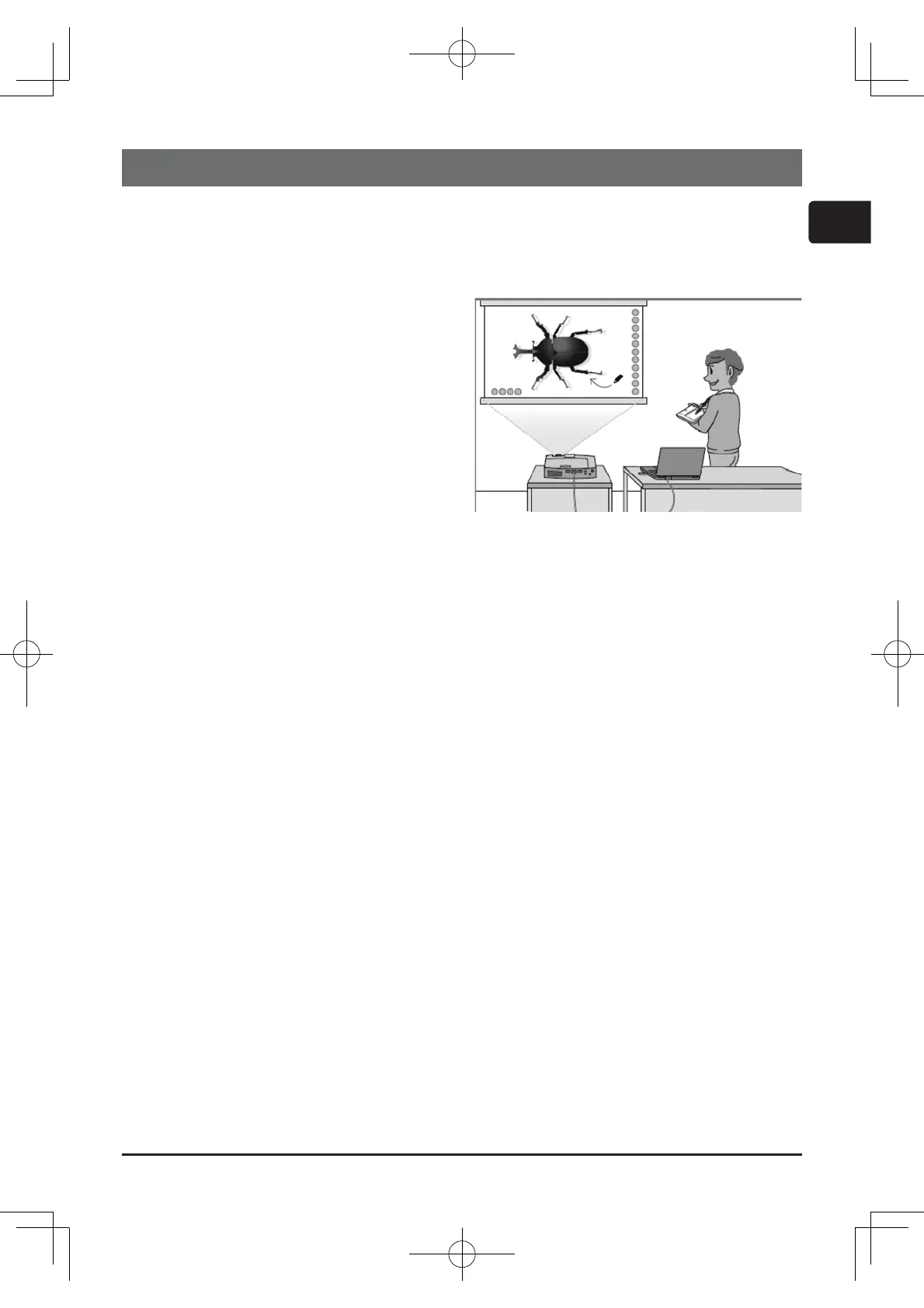
You can draw pictures or text on images
projected by our projectors. Because
it operates wirelessly, you are free to
draw from anywhere in a large class or
boardroom.
NOTE
The authorization by the copyright •
owner(s) is required pursuant to
applicable laws for the use of works
including visual images, if such works
are copyrighted works.
Drawing with this tablet is not possible with some image signals. •
Saving and displaying drawn images
You can save images with pictures or text drawn on them to a USB memory device and
then call out the saved images and display them again later.
NOTE
A USB memory device is necessary to utilize this function. In addition, if your projector •
only has one USB TYPE A port, you will also need a USB hub.
Copyright protected images cannot be saved.•
Using as a simple mouse
The product can be used in place of the mouse of a computer connected to a projector.
NOTE
To use this function, a USB cable is required to connect the computer and the •
projector.
01TB-1Eng.indd9
2011/11/1114:57:52



 To Next Page