32
RECORDING
· Please refer to the connection you are using, through pages 10, 11, or 12 on "ANTENNA/CABLE
CONNECTIONS" before continuing.
• Be sure to check that the "PWR." and the "VCR" indicators are both on.
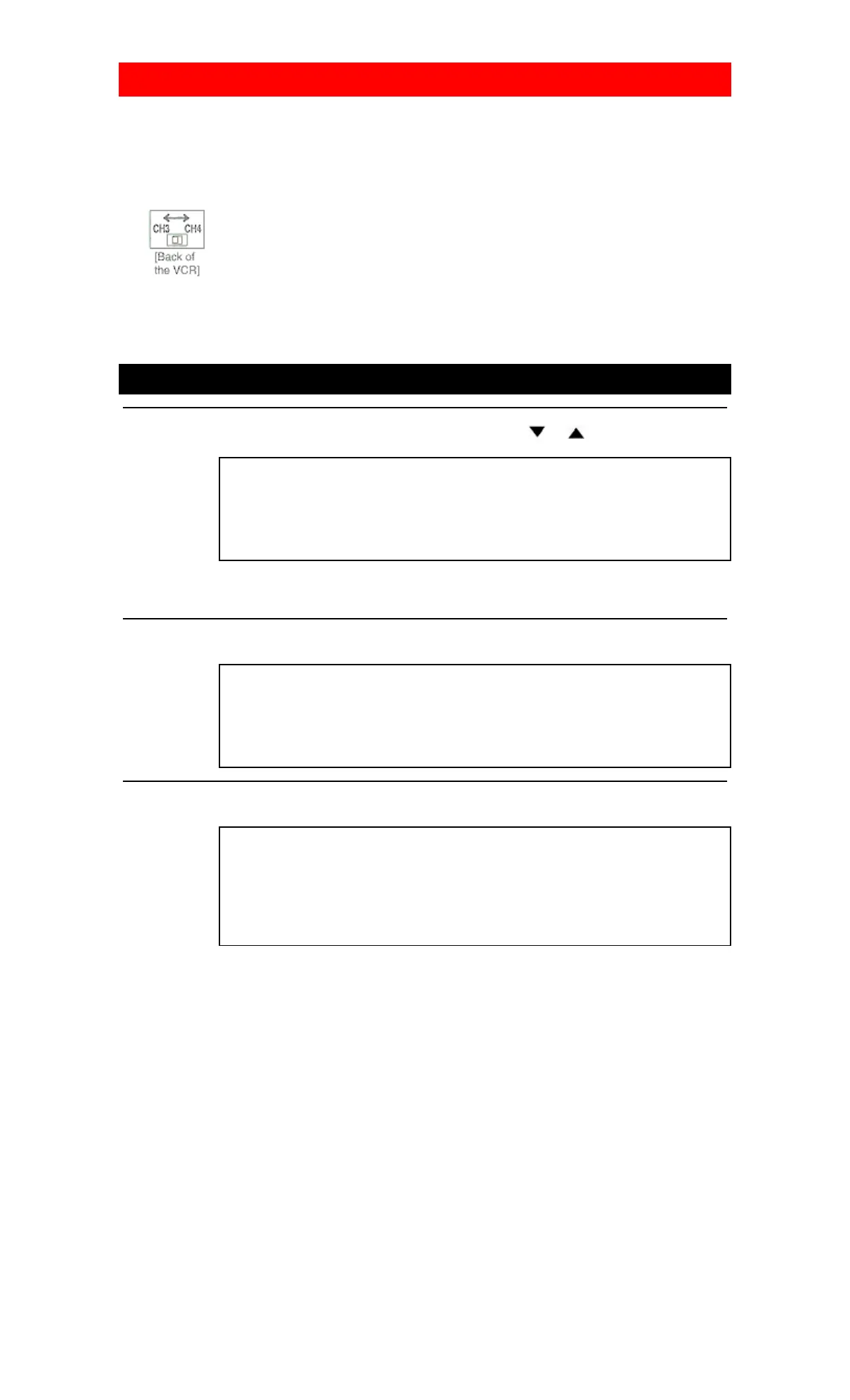
• Turn on the TV and set the TV to channel 3 or 4. Now set the CH3/CH4 switch on the back of the VCR
to match the channel selected on the TV.
.
• Insert a cassette tape with its erase prevention tab in place. (If necessary, rewind or fast forward the tape
to the point at which you want to begin recording.)
• You must select the recording mode in TV STEREO or SAP when you record a broadcast. Refer to
"SELECTING THE MTS SYSTEM" on page 21.
VIEWING AND RECORDING THE SAME PROGRAM
1 Select the channel to be recorded
Press the number buttons on the remote control or the CHANNEL (CH) or button.
CH 32
NOTE: If you have a cable box or satellite box connected to this VCR, please refer to
"ANTENNA/CABLE CONNECTIONS" on pages 11 and 12 before proceeding to the next step.
2 Select the tape speed
Press the TAPE SPEED button on the remote control to select the desired tape speed (SP/SLP).
SP
3 Begin recording
Press the REC button. The "REC" indicator appears on the display.
REC
SP
NOTE: If any menu is activated on the TV screen, the REC button on the remote control does not function.
Press the RESET/EXIT button to clear the menu. Then, press the REC button.
4 Stop recording
Press the STOP button when recording is completed.













 To Next Page