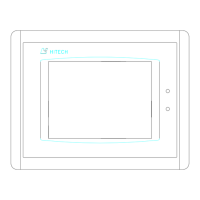
About PWS1711/1760
G.5 Touch Panel
The PWS1711/ PWS1760 is equipped with a 5.7" quarter VGA
(320Hx240V) liquid crystal display and analog resistive
touch screen.
You can design touch keys for each of your screens. You can
configure a touch key to display another screen or control
an on/off location within your PLC. The shape of the touch
key must be rectangular, but the size of a touch key is
configurable and can be as small as a single touch switch or
as large as the entire screen. One screen can have up to
40x30 touch keys for PWS1711/1760. For each changeable
Object of a screen, the Compile function of ADP3
automatically groups those touch switches that the display
area of the Object covers to form a touch key for the
selection purpose.
When you press a touch key, the Workstation responds by
sounding the buzzer for 200 milli-seconds (default) and
reversing the color of that touch key for 200 milli-seconds.
With the feedback, you know the Workstation accepts your
key-press. You can use Miscellaneous Settings dialog box of
ADP3 to set the parameter of touch screen for your
Workstation.
G.5.1 Built-in Touch Keys
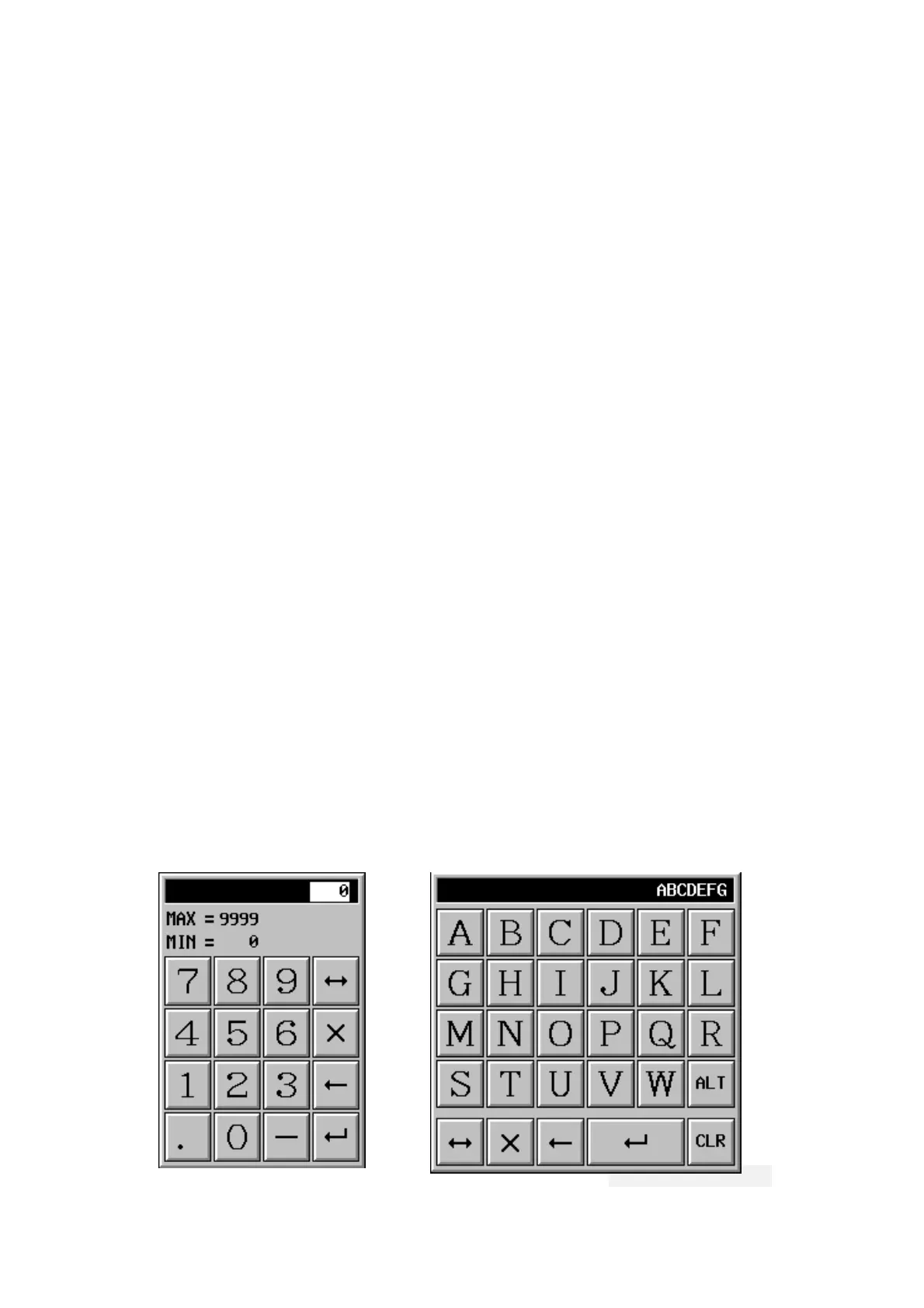
The built-in touch keys are touch keys that the ADP3
automatically configure for your application so that you
don't have to spend any time to program them. The built-in
touch keys allow the operator to select and change a PLC
location very easily.
itech Electronics Corp.
G-9


 To Next Page
 Loading...