
 Need help?
Do you have a question about the HiTi Digital P510k and is the answer not in the manual?
Essential safety guidelines to prevent electrical shock, fire, and equipment damage.
Steps for installing the ribbon cartridge and paper roll/box.
Adjusting printer name, language, units, and other system settings.
Setting up unique passwords for different users and managing access.
Defining user roles and restricting functions based on assigned passwords.
Identifying and addressing paper or ribbon jamming problems.
Measures to prevent paper jams, such as using crisp paper and checking the paper box.
Resolving issues related to ribbon detection, compatibility, and status.
Ensuring correct paper roll size is used with the selected ribbon cartridge.
 General
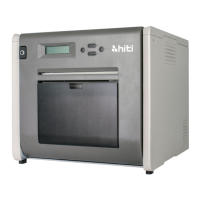
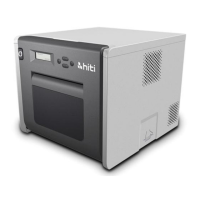
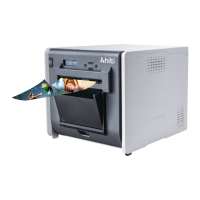
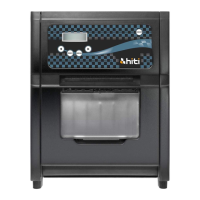
| Brand | HiTi Digital |
|---|---|
| Model | P510k |
| Category | Printer |
| Language | English |








 To Next Page
