REMOVE OLD EQUIPMENT
1.
2.
3.
4.
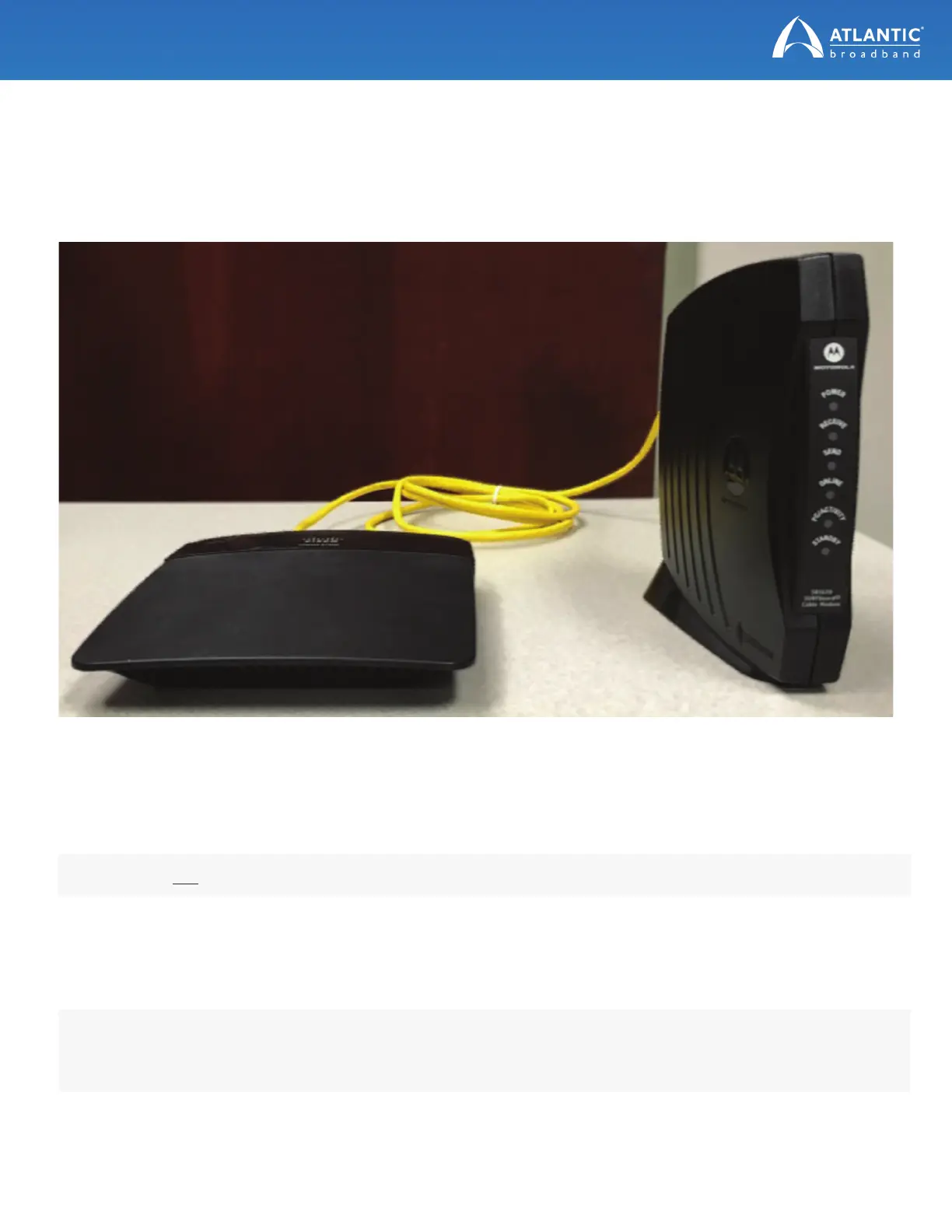
Locate your current modem and wireless router provided by Atlantic Broadband.
NOTE: Do not disconnect the other end of the cable line from the wall or from any splitters.
PHONE CUSTOMERS: If you are an Atlantic Broadband phone customer, you will also need to disconnect the
phone lines from the back of the modem. If you have more than one phone line, note which line was in port 1,
and which was in port 2.
Unplug the modem from its power source. Unplug the wireless router from its power source.
Disconnect the cable line from the back of the modem.
Unplug the Ethernet cable that connects the wireless router to the modem, and disconnect any computers
or devices you may have plugged into the router via the Ethernet cable.
(continued on next page)


 To Next Page