IN
2.
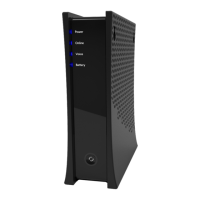
The new modem will update itself once connected, which may take 5-10 minutes. Once you see the top 4
lights glowing steady on the device, it is ready to use.
ACTIVATE YOUR MODEM
1.
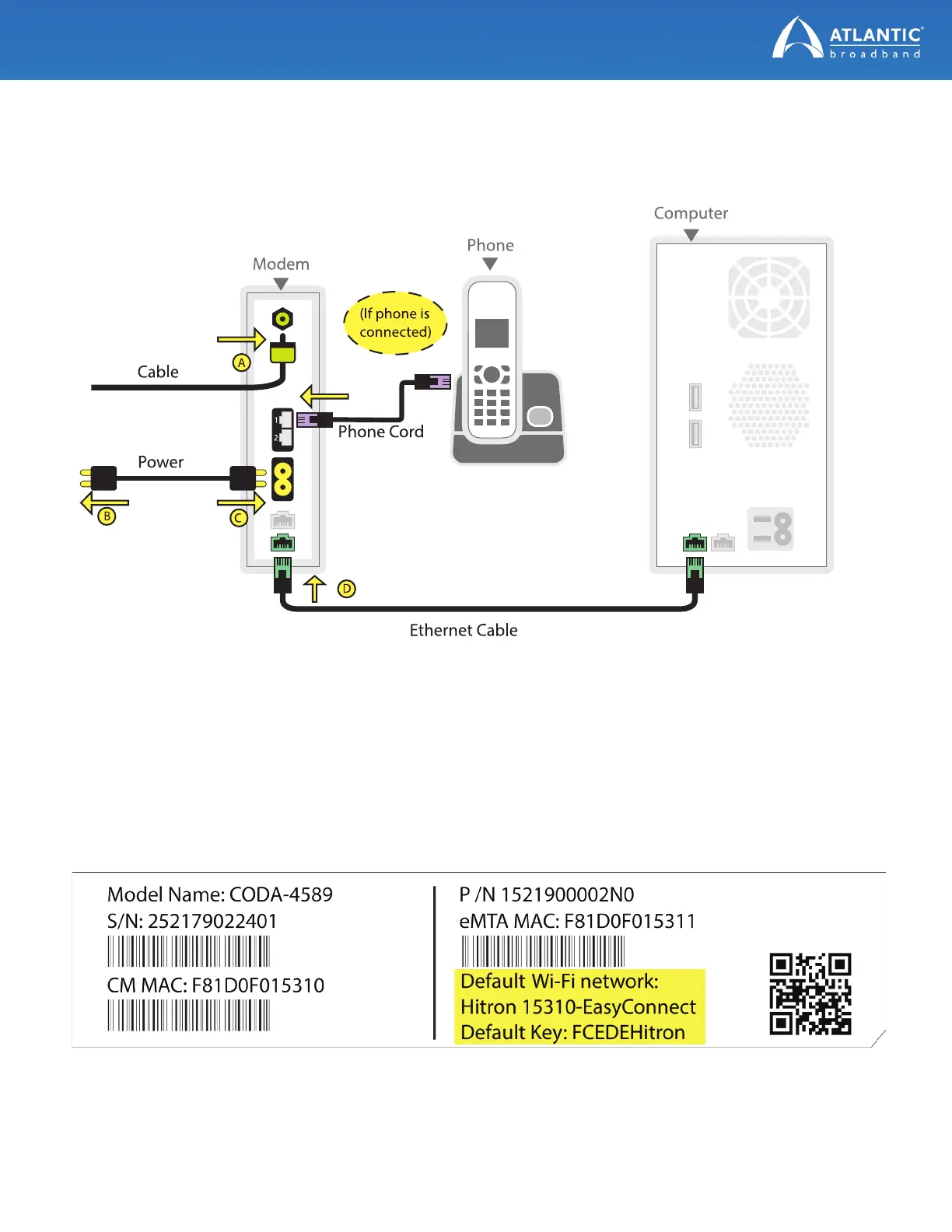
To activate your new modem, you’ll need to connect a computer to the new modem with the Ethernet cord
or via WiFi using the default wireless network and password on the label on the back of the new modem.
(continued on next page)


 To Next Page