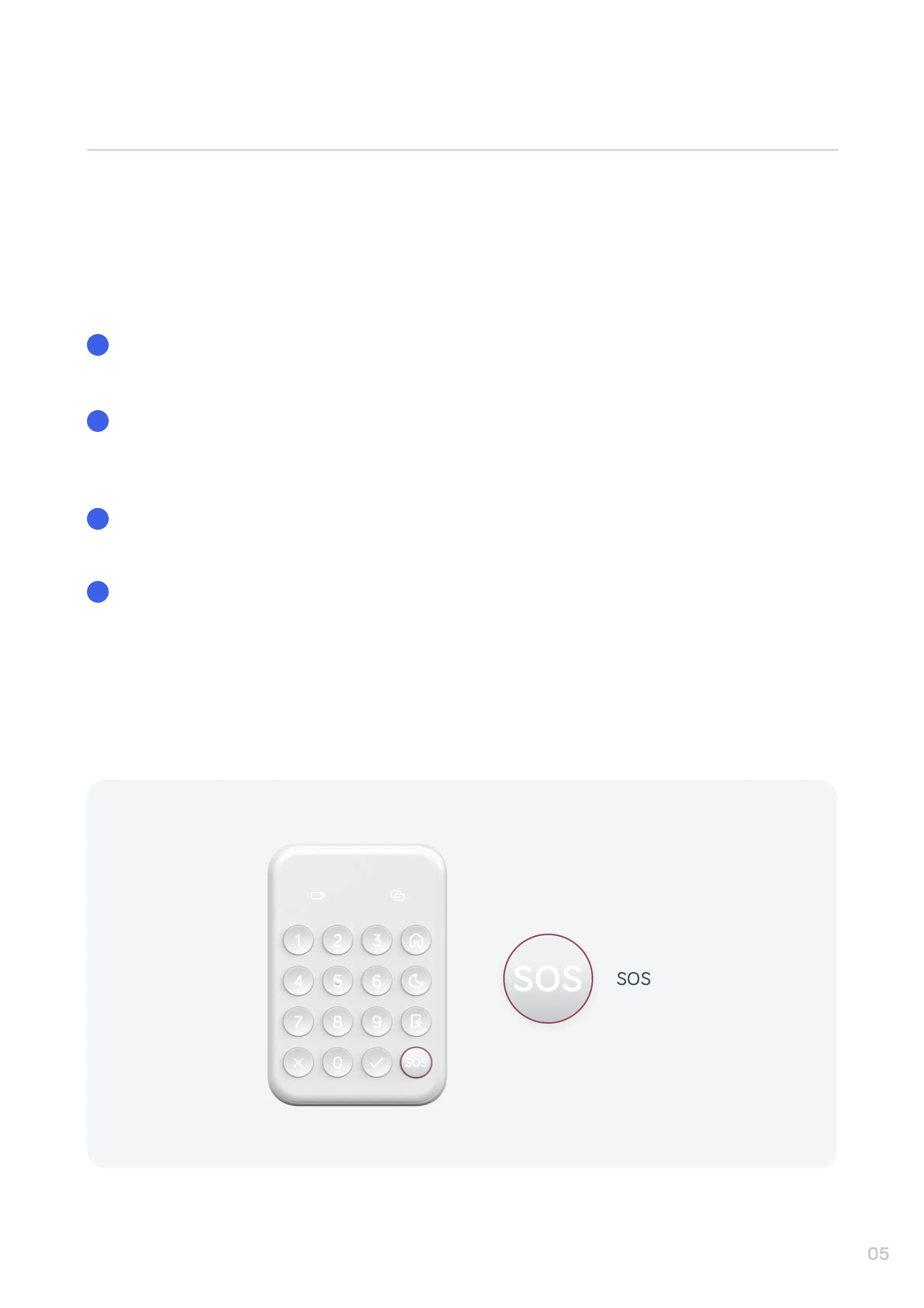
In an emergency you can activate your HomeShield alarm with the SOS button on your Keypad.
To do this, follow the steps below:
Press and hold the SOS button on the Keypad for 3 seconds. You will hear a beep and the
button’s light will turn green, to show that SOS has been activated.
Activating SOS will raise the Alarm. You can customize what happens when the SOS button is
pressed, such as your Siren sounding or your Hive Lights switching on, and who will be notified
from your chosen contacts, in your Hive app.
To disable SOS simply activate Home mode, either on your Keypad, in the Hive app or Apple
Watch. The SOS button on the Keypad will turn white when SOS is deactivated.
An alarm report will be created to show any activity and video captured by your chosen cameras
during the active SOS time.


 To Next Page