Need help?
Do you have a question about the HiWatch DS-N204-4P and is the answer not in the manual?
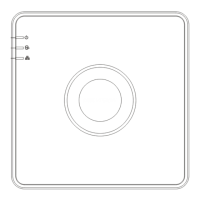
Describes the front panel indicators and their functions for the NVR.
Provides guidelines for installing the NVR, including rack mounting, cabling, and environmental conditions.
Outlines the steps for installing a hard disk drive (HDD) into the NVR, including precautions.
Details the correct procedures for starting up and shutting down the NVR.
Explains the process of activating the NVR by setting an administrator password.
Describes how to log into and out of the NVR system using user credentials.
 General
| Brand | HiWatch |
|---|---|
| Model | DS-N204-4P |
| Category | Network Hardware |
| Language | English |


 To Next Page