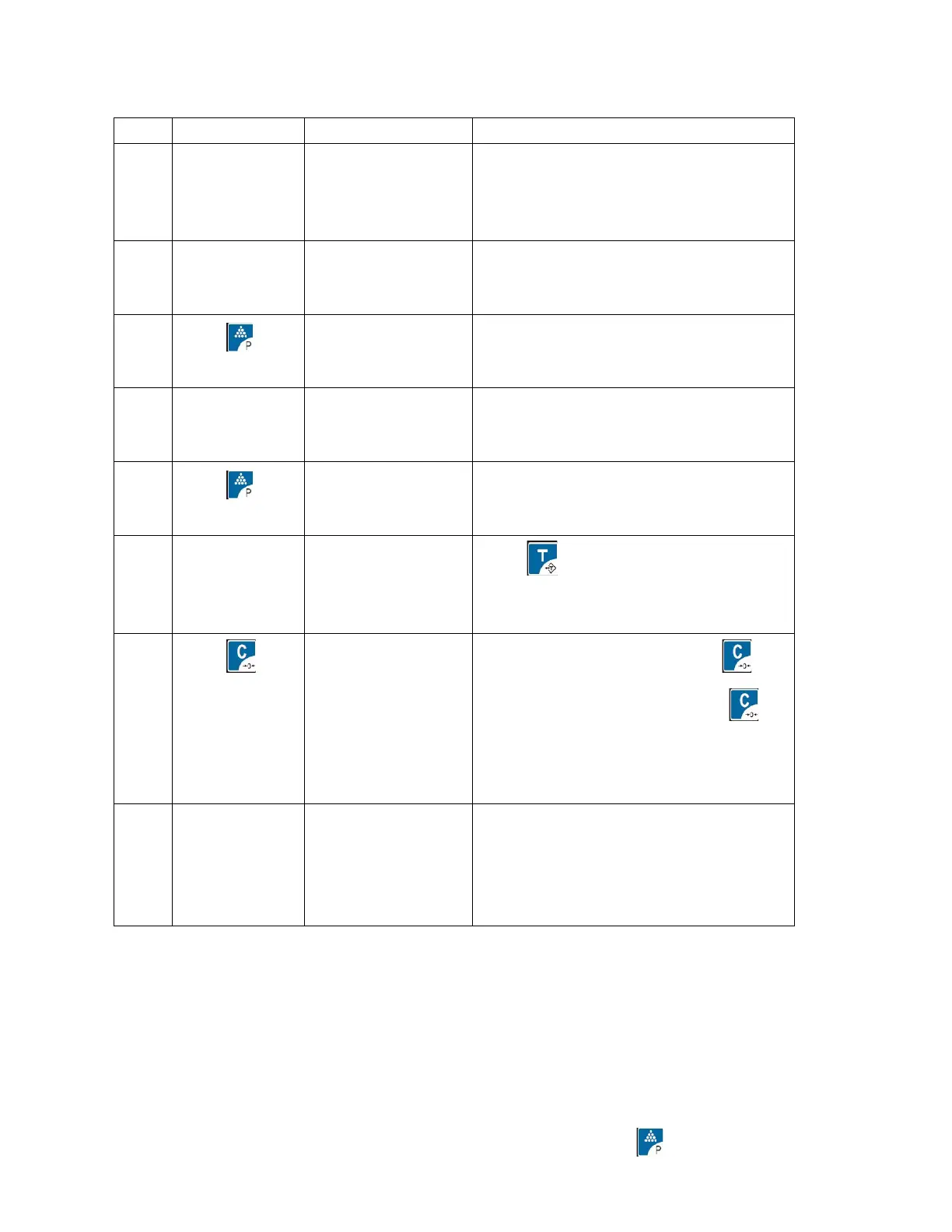
following steps (ASCII code table refer to appendix at last page)
Pressing1for
2 seconds
more
The ASCII code of A is 65
Input B
according to
above steps
again
Press to backwards and input
again
If letters Is more than 12, press to
display all the letters and press
again to back to the input mode, If
the letters is more than 30, the first
letter will be deleted automatically
Keep pressing
1again for
2 seconds
more
The words/sentence are stored in
position of 1 and back to weighing
mode
5.Words/Sentence use:
Keep pressing0--3key to display words/sentence in position of 0-3 and press 0--
3key again to quit display and then the words/sentence which pressed just now can be
used.
Example: to use the words/sentence on [2], keep pressing [2] to display the
words/sentence stored in [2] and press [2] again to choose it and start to use it.
6.Words/sentence printing set:
Keep pressing9 to display PtF mode and input 0-2 and press
PtF
0--The present chosen words/sentence printing at head


 To Next Page
 Loading...