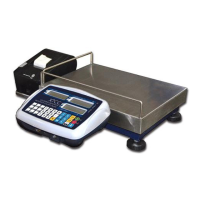
Prepare for full scale calibration
(If 60% calibration or other mode,
please change the weight value
according to the weights you are
using)
VI. Normal Operation
(Attention: Calibration plug must be at position of OFF)
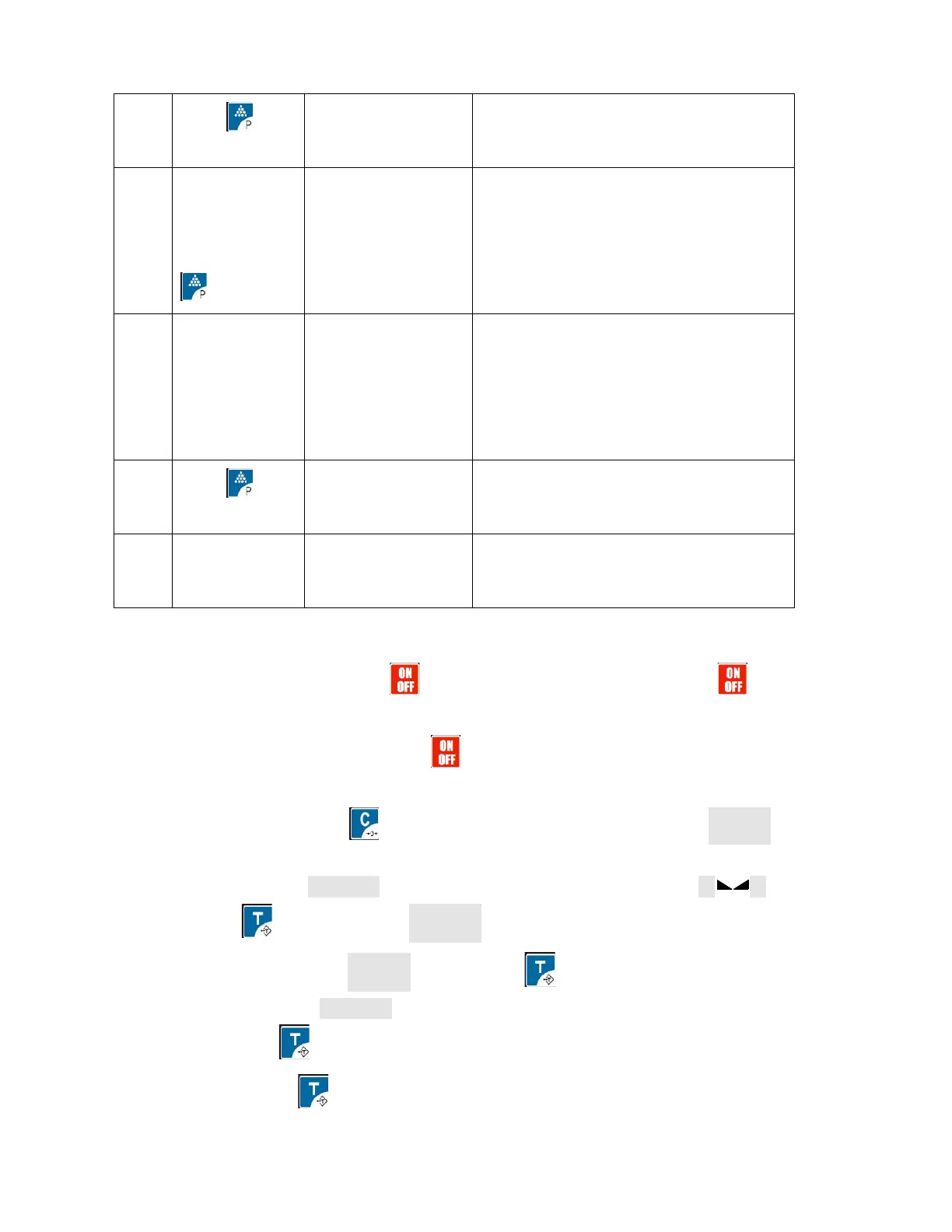
1. On/OFF: Switch on and press to power on the indicator and Press for 2
seconds more to power off the indicator
(Another function of ON/OFF: pressing can abort any present operation to back to
weighing mode)
2.Zero: Weight2F.S press for 2 seconds or more, display ZERO and →0← light on
3.Tare:
a. Tare: on the state of →T← light offweight Is above 0 and stable light on,
press to tare and the →T← light on
b. Tare clearance: When the→T← light on, press key to clear the tare value and the
light→ T← off
c. PreTare: Pressing for 2 seconds or moreit displays”------”to input the tare value and
then press
4.Letter Input It can store 4 sentences and 30 letters for each sentence
On the weighing mode, keep pressing 0--3key for 2 seconds more to input four
sentences by ASCII code, numbers input just with digits keys, example of A7B input with



 To Next Page
 Loading...