8 BLUETOOTH INTERCOM
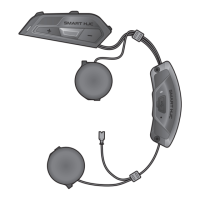
SMART HJC 50B 2
nd
Gen Premium Motorcycle Bluetooth
®
Communication System for HJC Helmets
| 43
8.5 Three-Way Conference Phone Call with
Intercom Users
You can have a Three-Way Conference Phone Call by adding an
Intercom Friend to the mobile phone conversation.
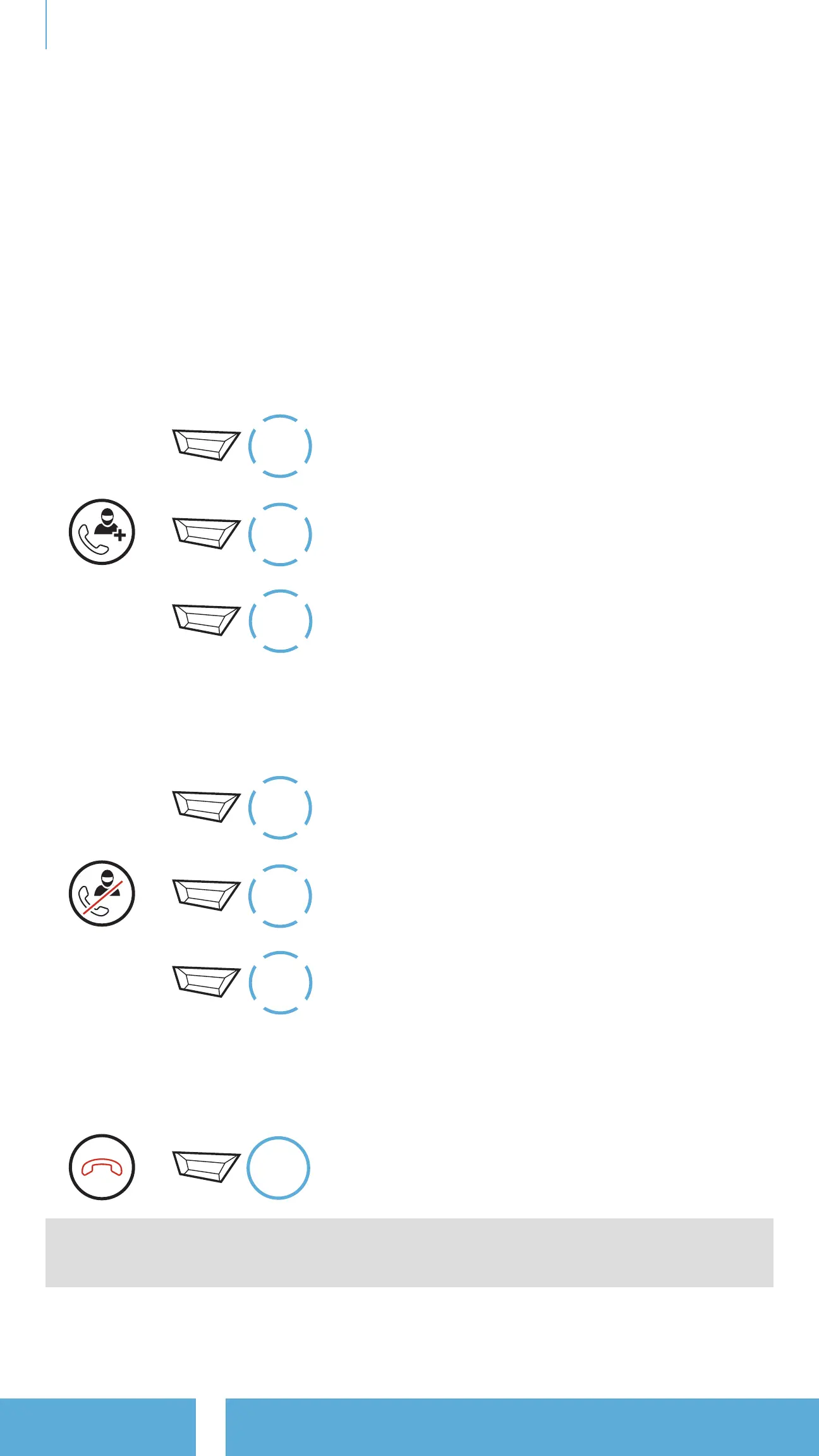
1. During a mobile phone call, tap the TAP Button once, twice,
or three times to invite one of your Intercom Friends to the
conversation.
Invite an Intercom Friend into Phone Conference
=
1x
TAP
or
2x
TAP
or
3x
TAP
2. To disconnect the intercom during a conference phone call, tap the
TAP Button once, twice, or three times.
Disconnect the Intercom Friend from Conference
=
1x
TAP
or
2x
TAP
or
3x
TAP
3. To disconnect the mobile phone call during a conference phone call,
press and hold the TAP Button for 2 seconds.
End Phone Call from Conference
=
2s
HOLD
Note: When you have an incoming intercom call during a mobile
phone call, you will hear high tone double beeps.

 To Next Page
 Loading...