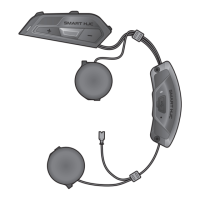
SMART HJC 50B 2
nd
Gen Premium Motorcycle Bluetooth
®
Communication System for HJC Helmets
| 63
14. TROUBLESHOOTING
Please visit www.smarthjc.com for more troubleshooting information.
• Customer Support: www.smarthjc.com
14.1 Fault Reset
When the headset is not working properly, you can easily reset the unit:
1. Locate the Pinhole Fault Reset Button next to the DC Power
Charging & Firmware Upgrade Port.
2. Gently insert a paper clip into the hole and press the Pinhole Fault
Reset Button with light pressure.
Pinhole Fault
Reset Button
=
FAULT
RESET
3. The headset will shut down.
Note:
• Fault Reset will not restore the headset to factory default settings.
• The charging LED is not the Pinhole Fault Reset Button. Do not
press it.
Charging LED
CHAPTER


 To Next Page