INTRODUCTION
Use
this
guide
to
replace
the charging board
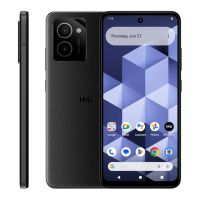
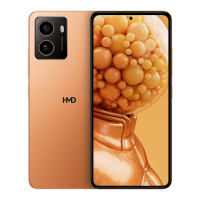
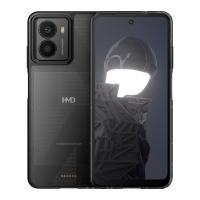
in your HMD Fusion phone.
The
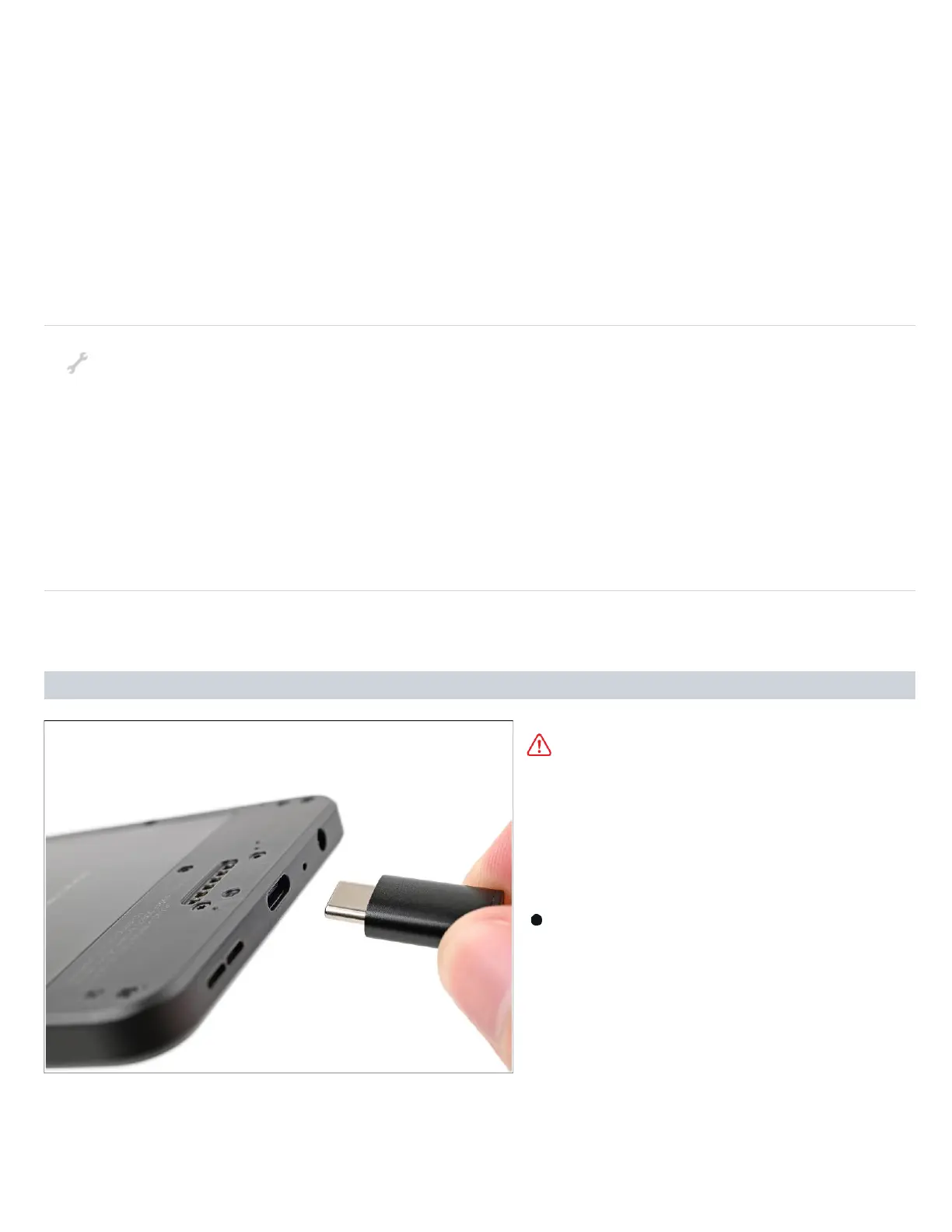
charging board includes the
USB-C
port
and headphone
jack.
To replace either
of the
ports, you must replace the entire board.
If
you're having
issues charging
your
phone,
connecting
headphones via
the
3.5
mm
jack,
or if either port is loose, it may be time to replace the charging board.
TOOLS:
SIM Care Eject Tool (1)
T3 Torx Screwdriver (1)
Opening Picks
(
1)
Spudger (1)
Angled Tweezers (1)
Step 1 — Prepare your phone for disassembly
Let your phone's battery
drain below 25% before
starting this repair. A
charged
lithium‑ion battery
may catch
fire if damaged.
Unplug all cables from your
phone and
completely power
it
down.


 To Next Page