INTRODUCTION
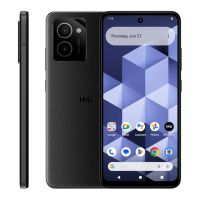
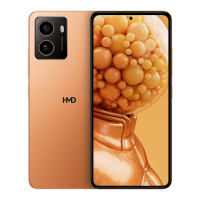
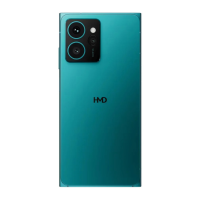
Follow this guide to replace a cracked or damaged back cover on your HMD Skyline
smartphone.
The back cover includes the wireless charging coil. If your phone's wireless
charging is intermittent or not charging at all, you may need to replace the
back cover.
TOOLS:
T3 Torx Screwdriver
Opening Picks ( Set of 6 )
Step 1 — Prepare your phone for disassembly
Let your phone's battery drain
below 25% before starting this
repair.
A charged
lithium‑ion battery may catch fire
if damaged.
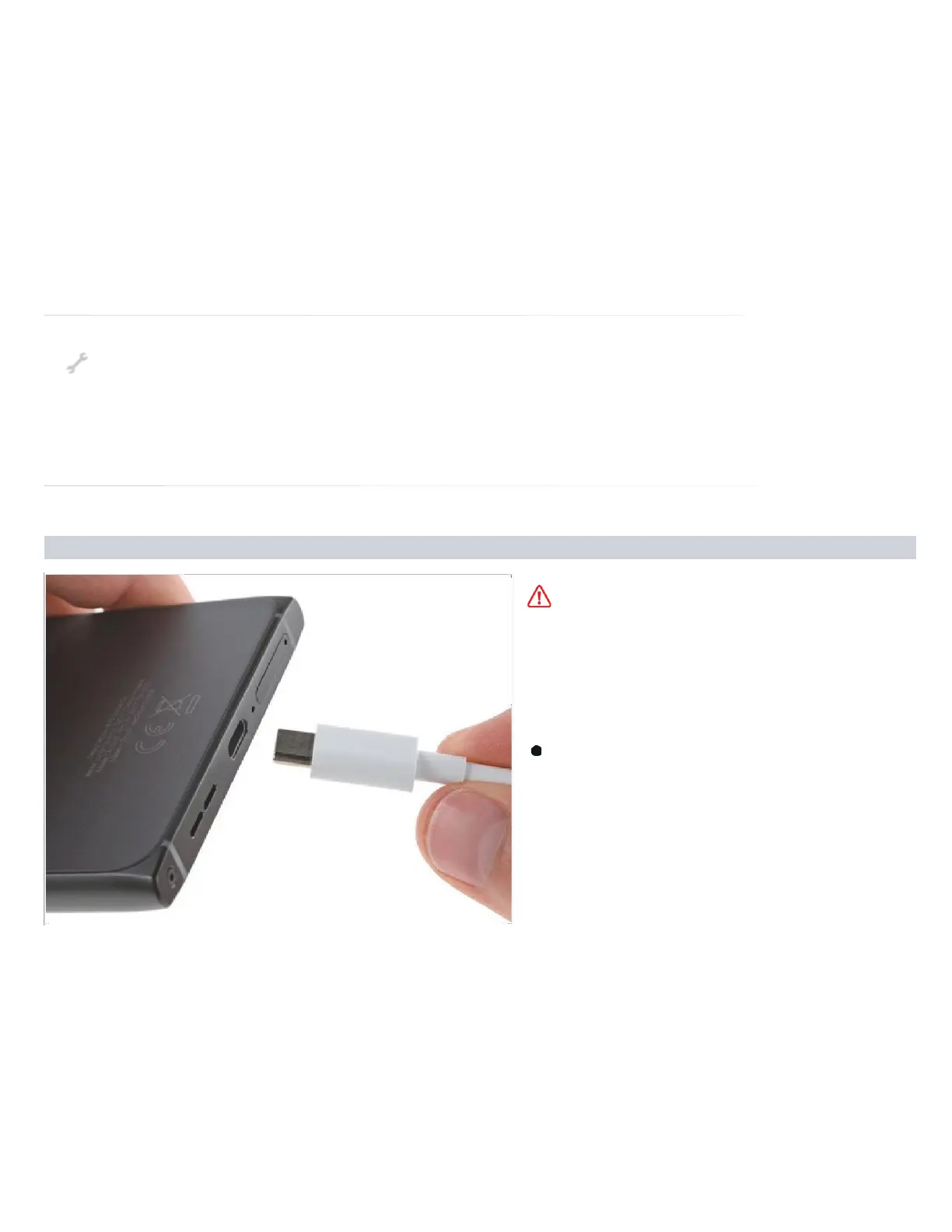
Unplug all cables and
completely power off your
phone.


 To Next Page