INTRODUCTION
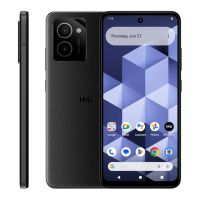
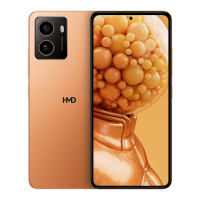
Follow this guide to replace the charging board in your HMD Skyline smartphone.
The USB-C charging port and storage expansion/SIM tray are attached to the charging
board. If the USB‑C port breaks, you have problems charging your phone, or the SIM
tray isn't inserting correctly, you'll need to replace the entire charging board.
TOOLS:
SIM Card Eject Tool
T3 Torx Screwdriver Opening Picks ( Set of 6 ) Spudger
Angled Tweezer
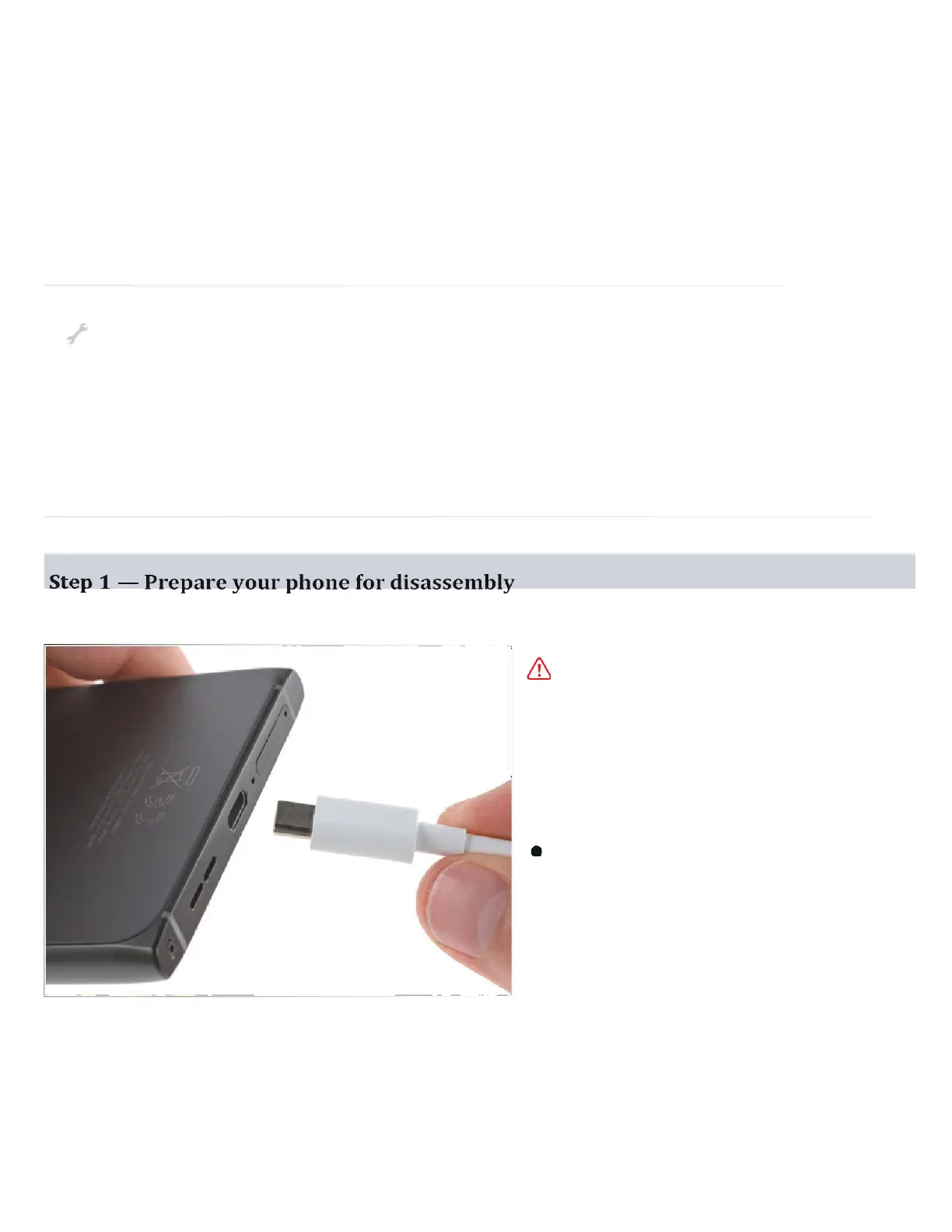
Let your phone's battery
drain below 25% before
starting this repair . A charged
lithium‑ion battery may catch
fire if damaged.
Unplug all cables and
completely power off your
phone.


 To Next Page