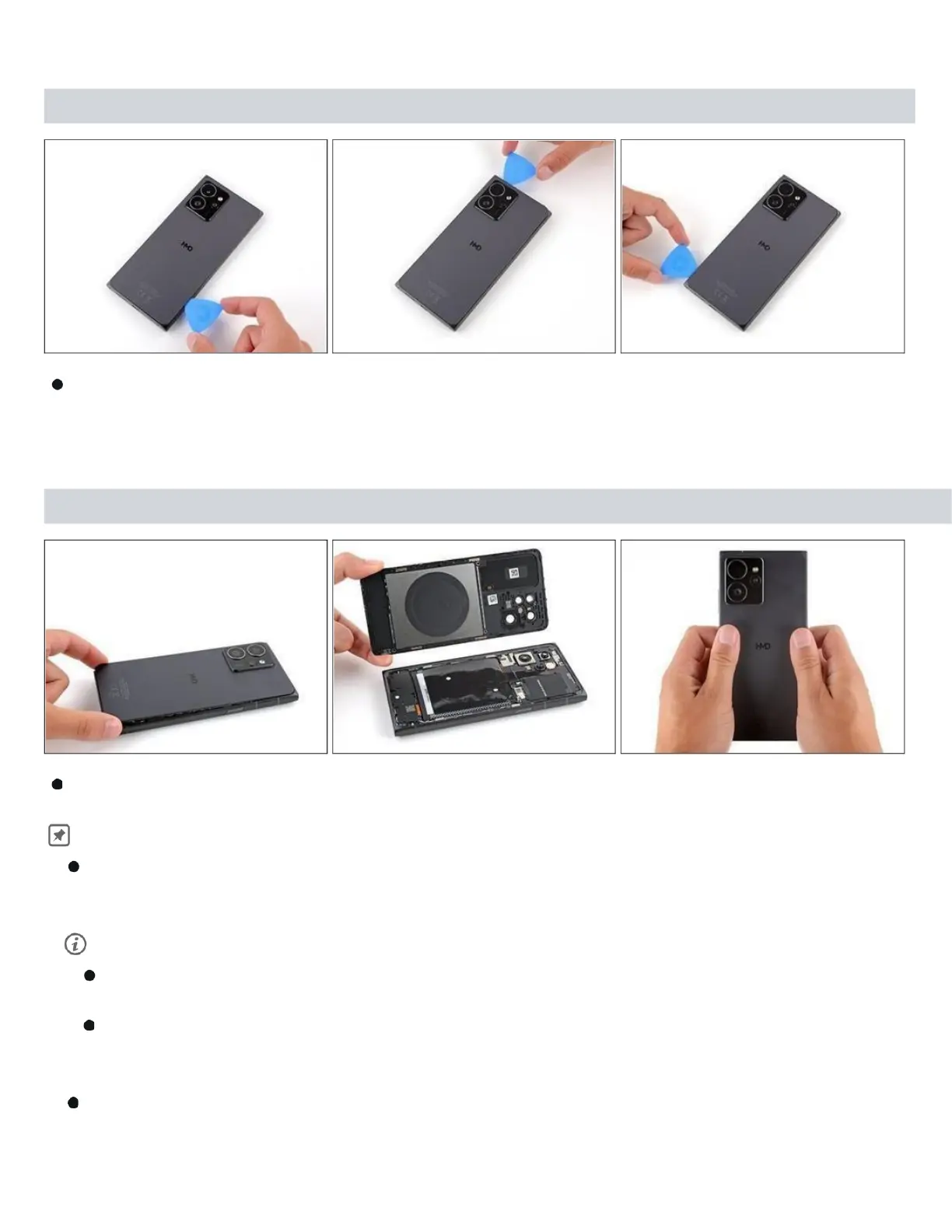
Step 4
Continue sliding the pick under the perimeter of the back cover to fully separate
the clips and adhesive.
Step 5 — Remove the back cover
Lift and remove the back cover. During
reassembly:
Now is a good time to test your phone before sealing it up. Power it on and
check that it works. Power it back down before you continue reassembly.
If you're installing a new back cover:
Make sure you remove all liners from the underside.( Refer Snap-1 in next Page )
Use the flat end of a spudger to press the small cable above the wireless
charging coil into paste over its alignment posts. ( Refer Snap-2 in next
Page )
Place the back cover onto the frame and firmly squeeze around the



 To Next Page