Pair/delete the pairing with RF remote
1. Do wiring according to connection diagram
2.Shortpresslearningkeyonreceiver,thenpairwiththeremote(seetheremote’susemanualaccordingly),oncethereceiverandremoteare
paired,theledlightswillashtoindicatesuccessfullearning.If this does not work, Short press the learning key on the receiver 3 times, then pair
with the remote (see the remote’s use manual accordingly). The led lights will ash to indicate the succesful learning.
3.Ifyouwishtodisconnectthereceiver:Longpressthelearningkeyonreceiverover5secondsuntilLEDlightashes,thendeletethelearnedID,
thereceiverwillberesettofactorydefaults.
Setting minimum brightness:
Adjustbrightnesstoalevel,thenpressandholddown“Min.Set”keyonthedimmeruntilthelightashes,onceseta
minimum brightness, the light can only be dimmable between this minimum brightness and maximum brightness.
Thedimmingrangeofthisdimmeris1%-100%,butsomeloadtypesmayickerwhendimmedto1%,thusa
minimumbrightnessshallbesethigherthan1%toavoidickeringduringdimmingprocess.
Delete the minimum brightness:
Adjustthebrightnesstomaximumlevel,thenpressandhold“Min.Set”keyonthedimmertodeletetheminimum
brightness,thelightwillashtoindicatesuccessfulreset.
PUSH DIM:
While connected with PUSH switch, click the button to switch ON/OFF lights. Press and hold down the button to
increase/decrease light intensity.
EN
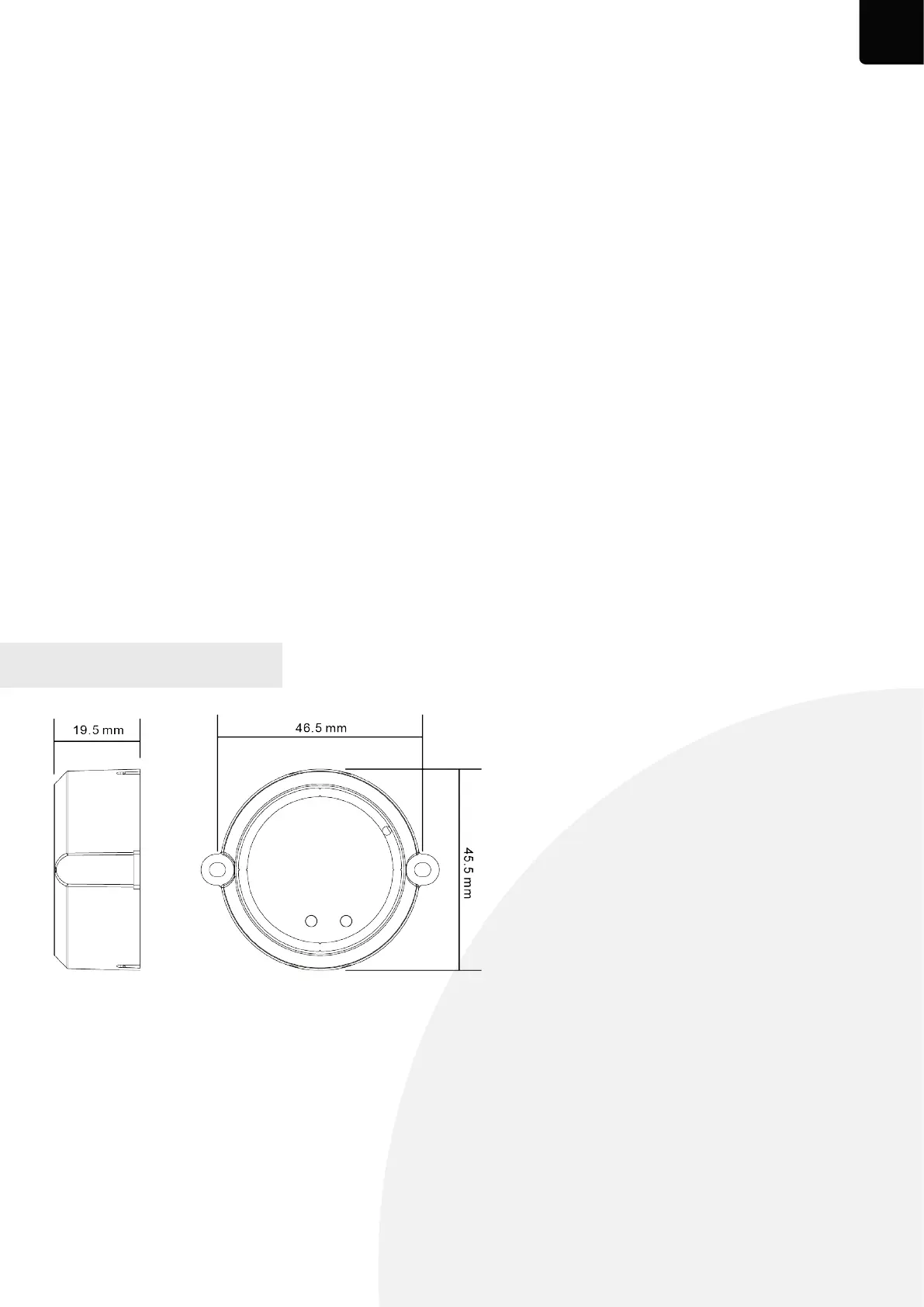
PRODUCT DIMENSION


 To Next Page