User Manual (Includes warranty card)*1
1、 Installation Instruction
Install the ‘Hohem Studio’ App
Search for ‘Hohem Studio’ in the App Store or Google Play,
and install the app on your mobile phone.
*‘Hohem Studio’ supports iOS 9.0 and Android 8.0 or above
2.Stabilizer Charging& Smartphone Charging
Fully charge the stabilizer before using it for the first time.
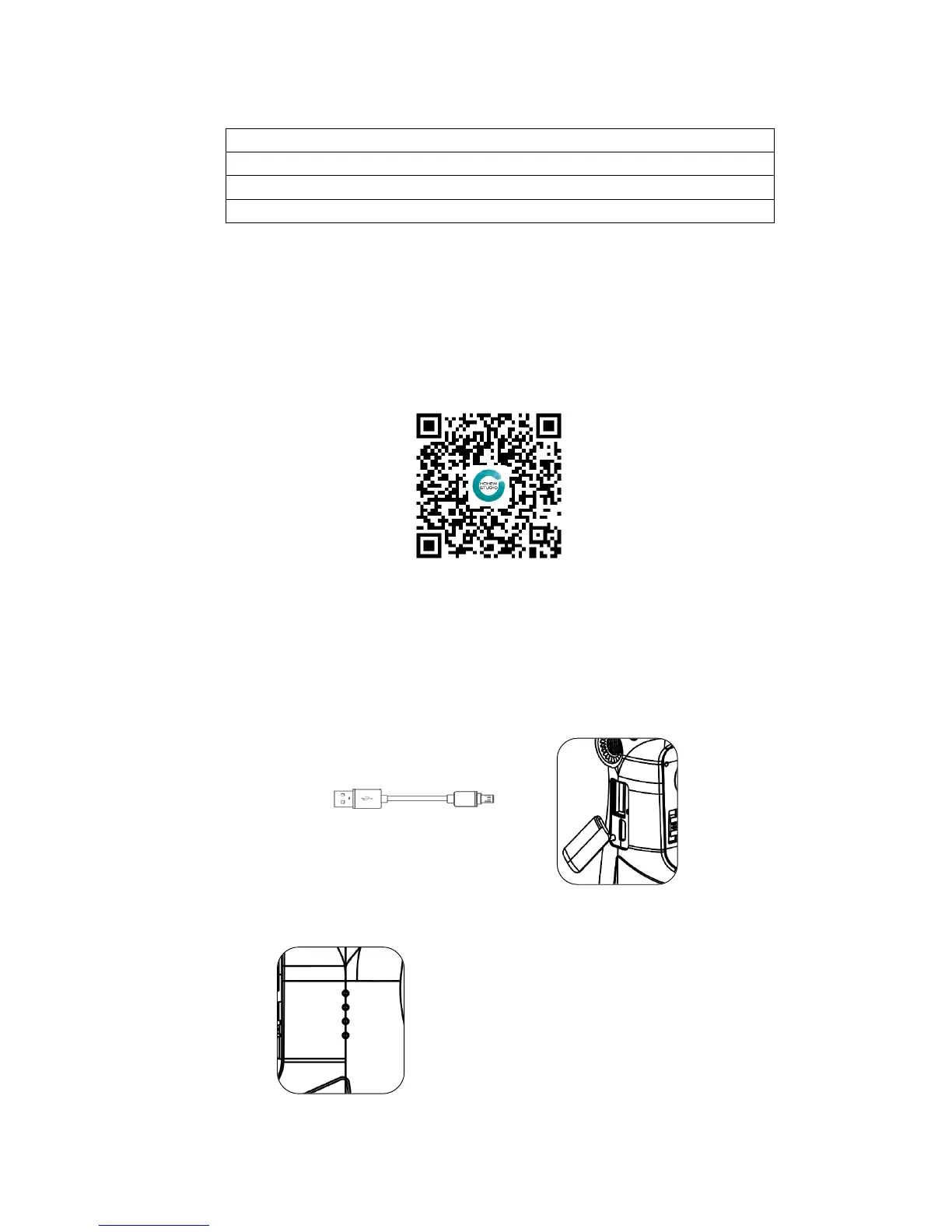
Using the standard USB cable connecting to the stabilizer charging port (or other power
sources)
a. 4 Led lights indicators
4 Led lights on means power is 100%
3 Led lights on means power is 75%
2 Led lights on means power is 50%
b.Indicator Light Fast Flashing: Charging status
c.Indicator Light Solid: Fully charged status
*the charging time is about 4 hours while directly charging from the wall charger
a. USB Port: Charging the stabilizer
b. Micro USB Port: Charging the smartphone



 To Next Page