EN-11
6. Select
2 Wire
to peorm 2-wire audio settings.
6.1 Connect the hub to a 2-wire device and set the corresponding cable
compensation and terminal resistance on the hub. Power on the 2-wire device
and turn OFF or disconnect its microphone to make sure that there is no other
audio transmission on the 2-wire link. Otherwise, the accuracy of auto-null
settings may be aected. After
Auto Null
is selected, auto-null settings for the
2-wire device will be peormed automatically on the hub.
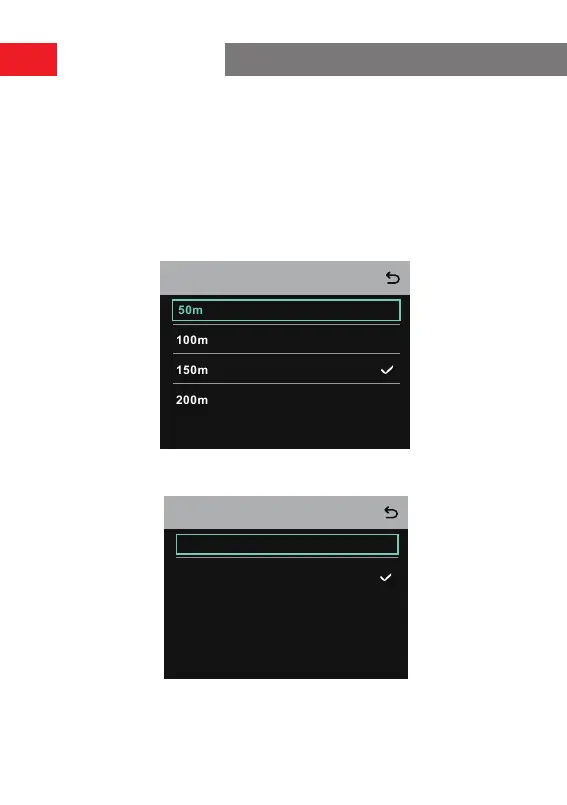
6.2 Select
Cable Compen
to check the 2-wire cable length and select the corre-
sponding compensation option according to the cable length.
Cable Compen
6.3 Select
Terminal Res
to check whether the 2-wire device connected via the 2-wire
inteace has terminal resistance. If it has, select
OFF
. Otherwise, select
ON
.
ON
OFF
Terminal Res
Operation Guide


 To Next Page