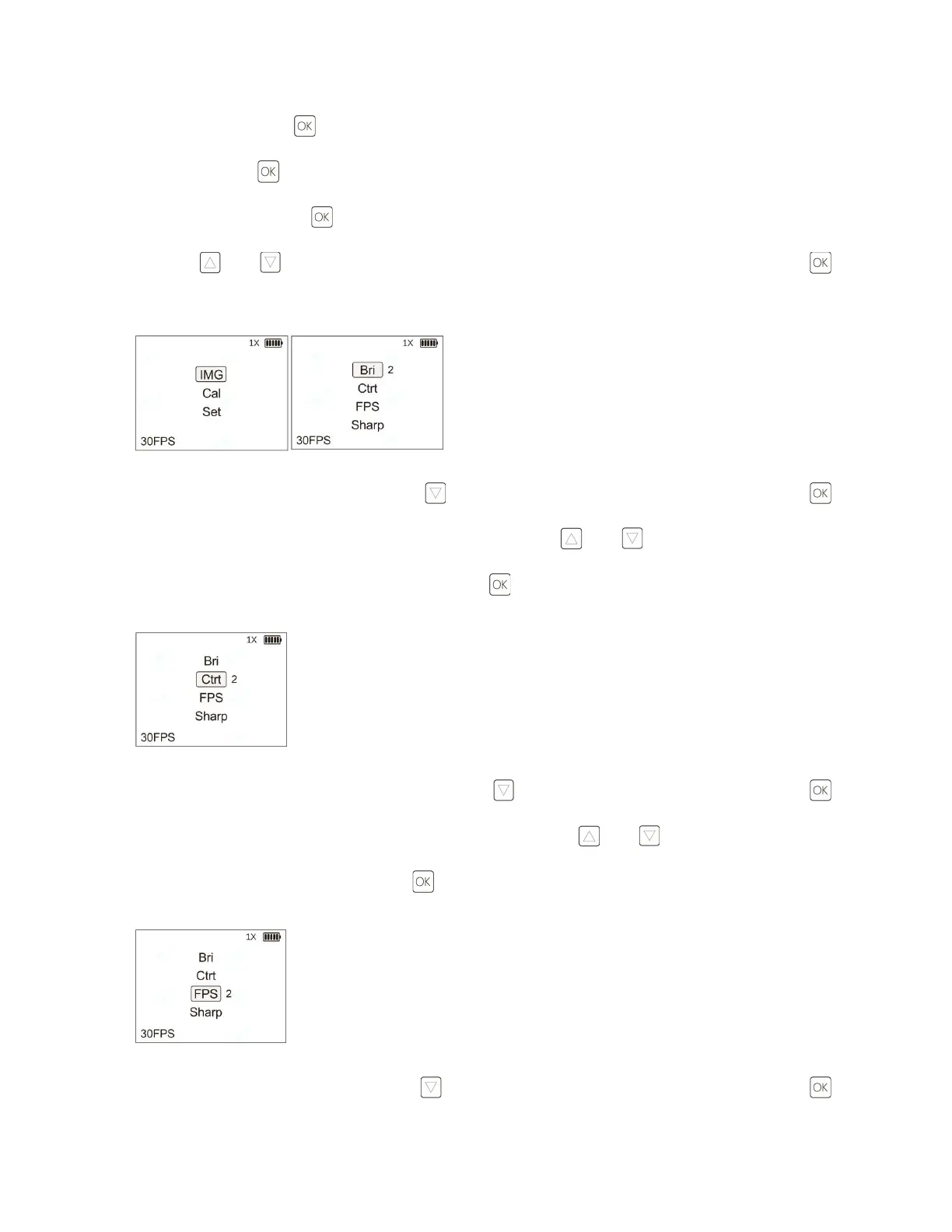
a. Brightness: Press the button to enter the main menu interface (IMG (Image) function is selected by
default). Click the button to enter the image setting interface (Bri (Brightness) function is selected by
default), and then click the button to set the image brightness. Select between 1 to 6 of image brightness
using the and buttons to adjust the image brightness. After setting is selected, press and hold the
button to return to the previous menu.
b. Contrast: From the IMG menu, press the button to enter the Ctrt (Contrast) function. Click the
button to adjust Ctrt. There are 1 to 5 settings of Ctrt. Press the and buttons to adjust Ctrt. After
selecting your contrast (Ctrt) setting, press and hold the button to return to the previous menu.
c. Frames per Second: From the IMG menu, press the button to enter the FPS function. Click the
button to set the FPS. The FPS has two settings: 30 and 60. Press the and buttons to adjust the FPS.
After selecting your FPS, press and hold the button to return to the previous menu.
d. Sharpness: From the IMG menu, press the button to enter the Sharp (Sharpness) function. Click the



 To Next Page