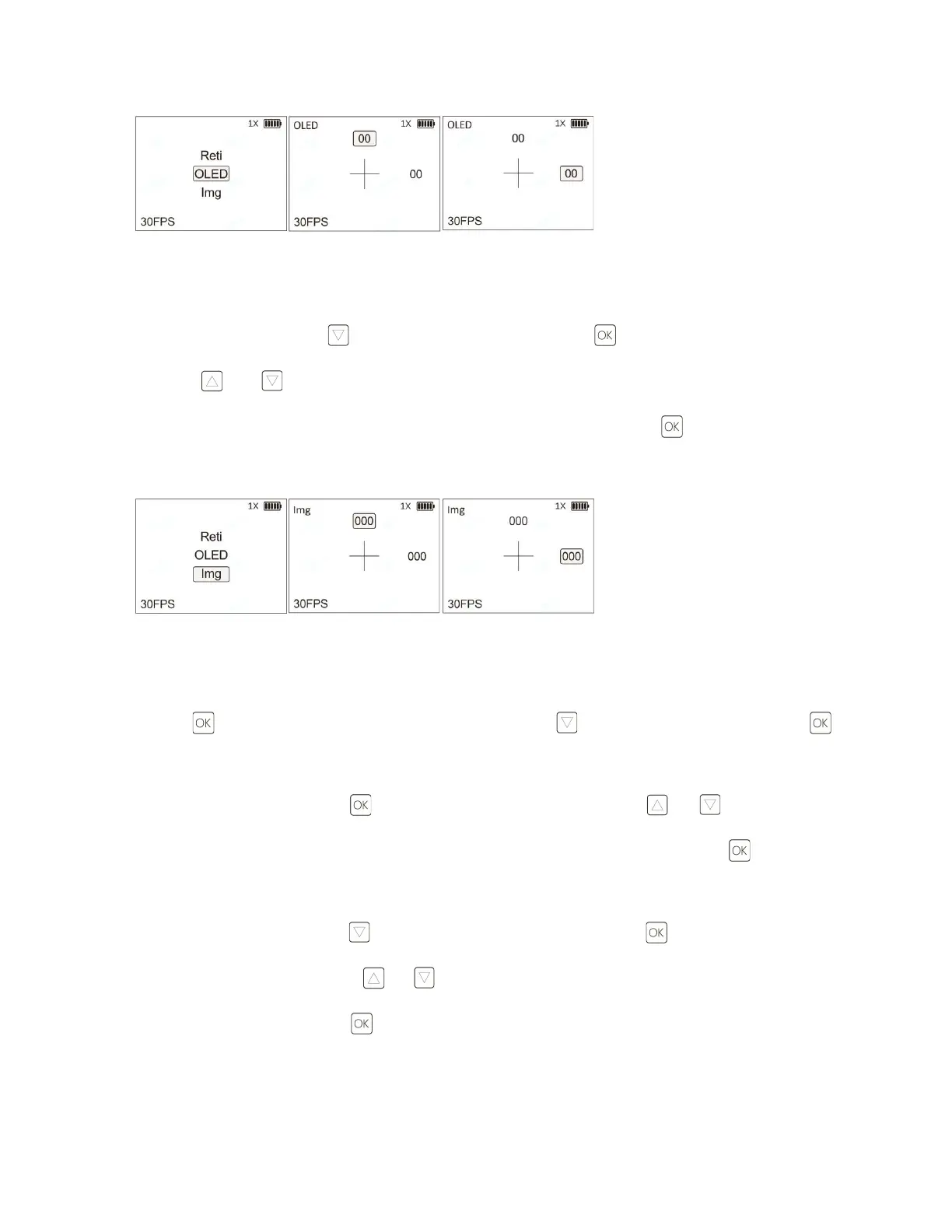
e. Img (Image) Calibration: This is the preferred method to align the night vision camera image with the real-life
image as viewed through the objective lens.
From the CAL menu, press the button to select Img. Click the button to enter the Img setting interface.
Press the and buttons to adjust the vertical (Y: -124~124) and horizontal (V: -93~93) parameters to
adjust the camera image position. After this setting is completed, press and hold the button to return to the
previous menu.
3)Set Function (Settings)
Press the button to enter the main menu interface. Press the button to select Set and press the
button to enter the Set functions menu (Settings).
a. From the Set menu, press the button to enter Reset. Press the buttons and to select N or Y.
Selecting Y (Yes) will restore factory settings of the DRS-NV. To exit, press and hold the button to return to
the previous menu.
b. From the Set menu, press the button to select FMT (Format). Press the button to enter the FMT
settings interface. Press the buttons or to select N or Y. Selecting Y (Yes) will format the internal storage.
To exit, press and hold the button to return to the previous menu.



 To Next Page