34
SIGHT OPERATION
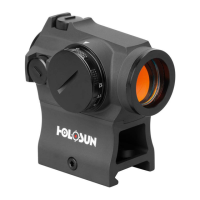
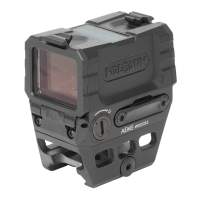
The operang buons are on the top of the sight.
1. Turn on: Press brightness increase buon (+) or
brightness decrease (-) one me, the power is tur-
ned on.
2. Manual mode: There are 12 brightness sengs for
the red dot. The default brightness when powe-
red is the last seng used. The brightness may be
adjusted to match ambient light condions. Each
press for (+) will increase one brightness seng,
and (-) will decrease one brightness seng.
3. Auto power on / o: Aer 8 hours (factory set-
ng), without change of posion, the power auto-
macally turns o. If needed you can turn on the
power again by pressing a buon or moving the
sight.



 To Next Page