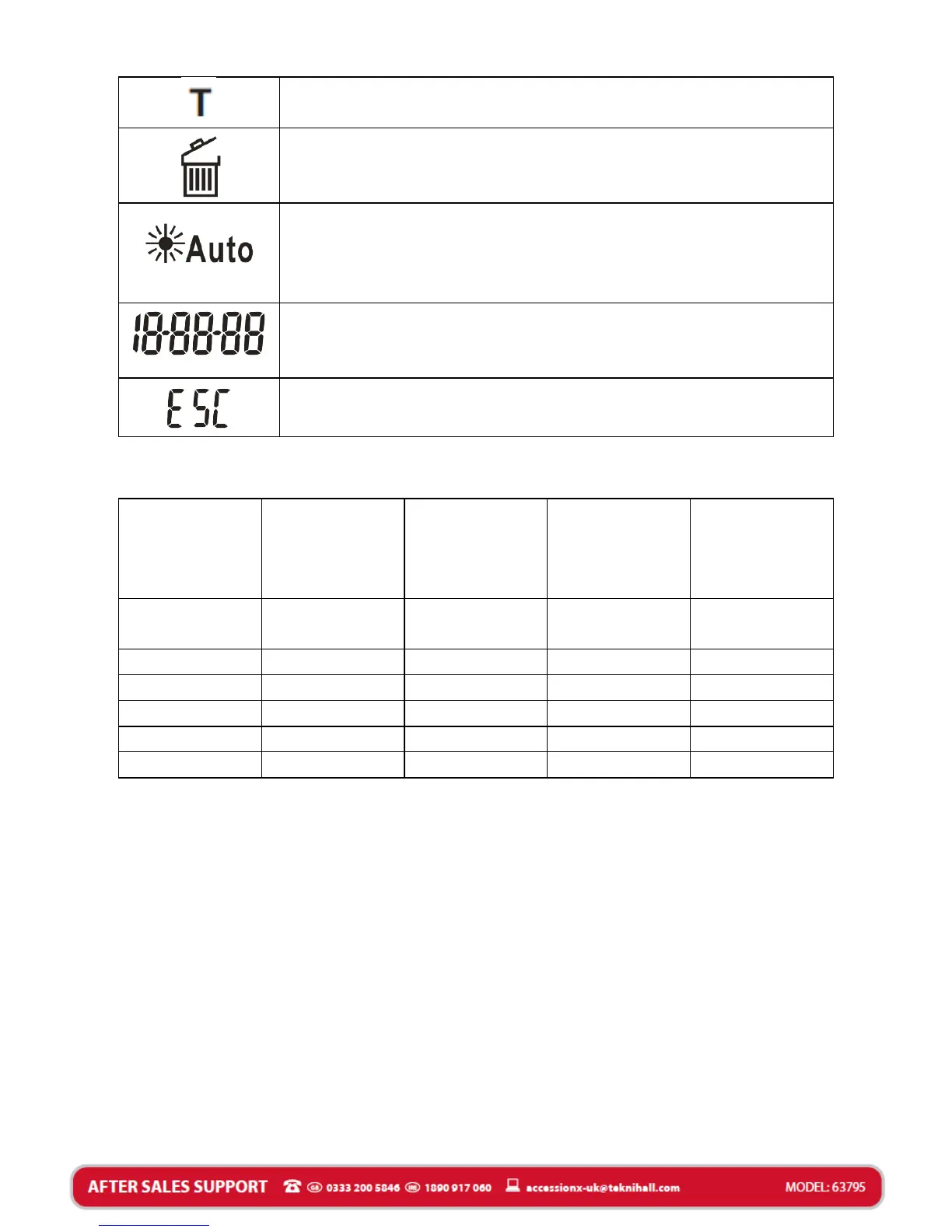
Time setting mode. Indicates when your
Security Light is in Time setting.
Rubbish bin icon, Indicates the Security Light
is in delete mode.
Floodlight control icon. Indicates that the
Security Light floodlight is auto
environmental brightness detection to turn on
the floodlight.
Shows the Date/Time/Video recording
time/image and video capturing interval
time.
Pressing the SET button will exit the current
mode.
NOTE:
The Image/Video capacity chart shows the approximate
number of images or video clips that can be stored based on
the resolution setting and the size of SD card. These figures
may vary depending on the amount of detail in the images.
When the SD card is full, your Security Light will begin
overwriting the earliest data ensuring you always have the
most recent images/videos.
Memory options up to 16GB SD card.


 To Next Page