11
4. Mounting holes (See Fig. C)
Before use, the saw can be xed to a rm, level surface with the 4 mounting bolts (not
supplied).
Four holes are provided in the base of the saw to enable it to be xed to a bench, or other
supporting surface.
To mount the saw, proceed as follows:
1) Locate and mark where the saw is to be mounted.
2) Drill 4 holes through the surface.
3) Place the mitre saw on the surface aligning holes in base with holes drilled in the surface.
Install bolts, washers and hex nuts.
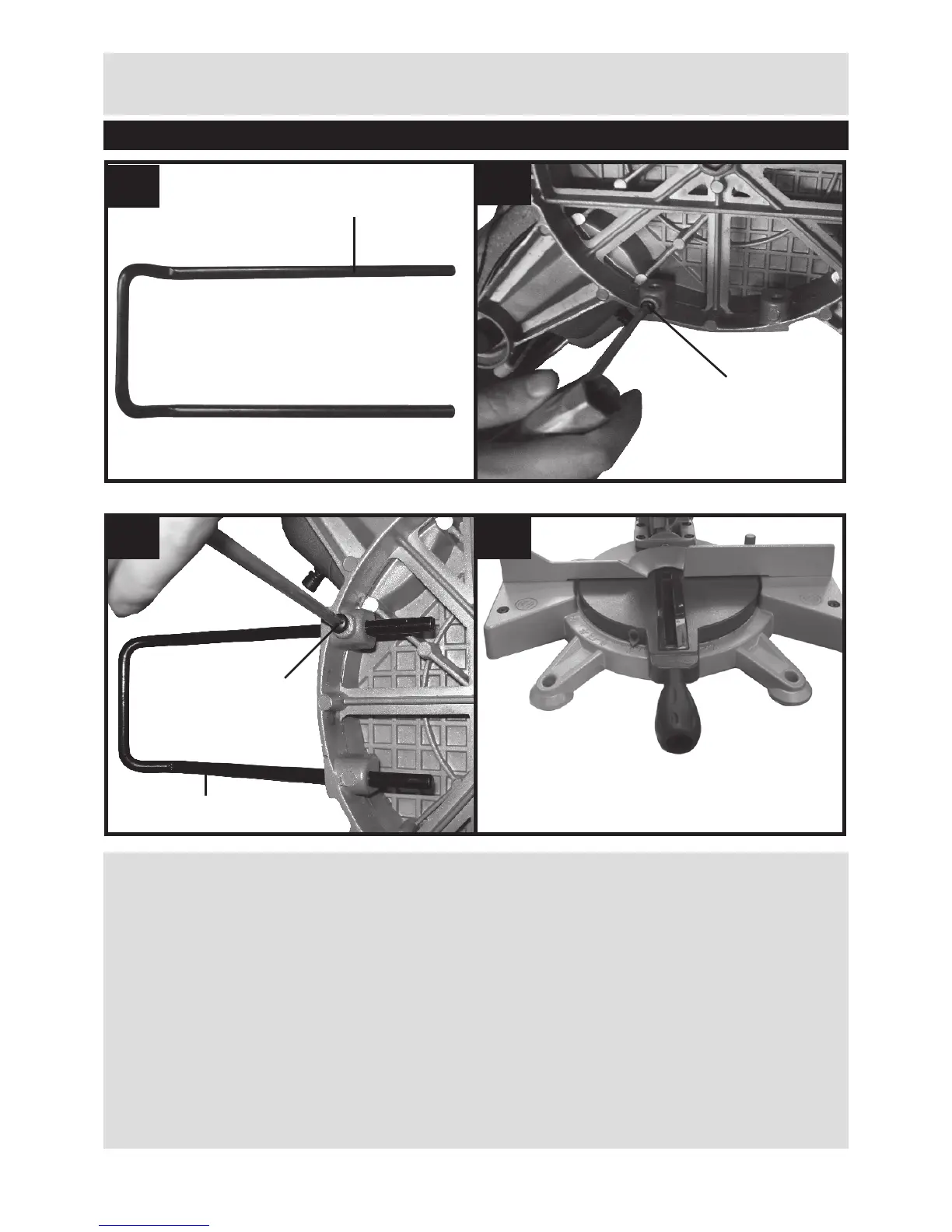
5. Work clamp (See Fig. D)
The work clamp can be tted on either side of the saw and is fully adjustable to suit the size of
Operation Instructions


 To Next Page