EasyManua.ls Logo

HoMedics Rapid+Relief - User Manual

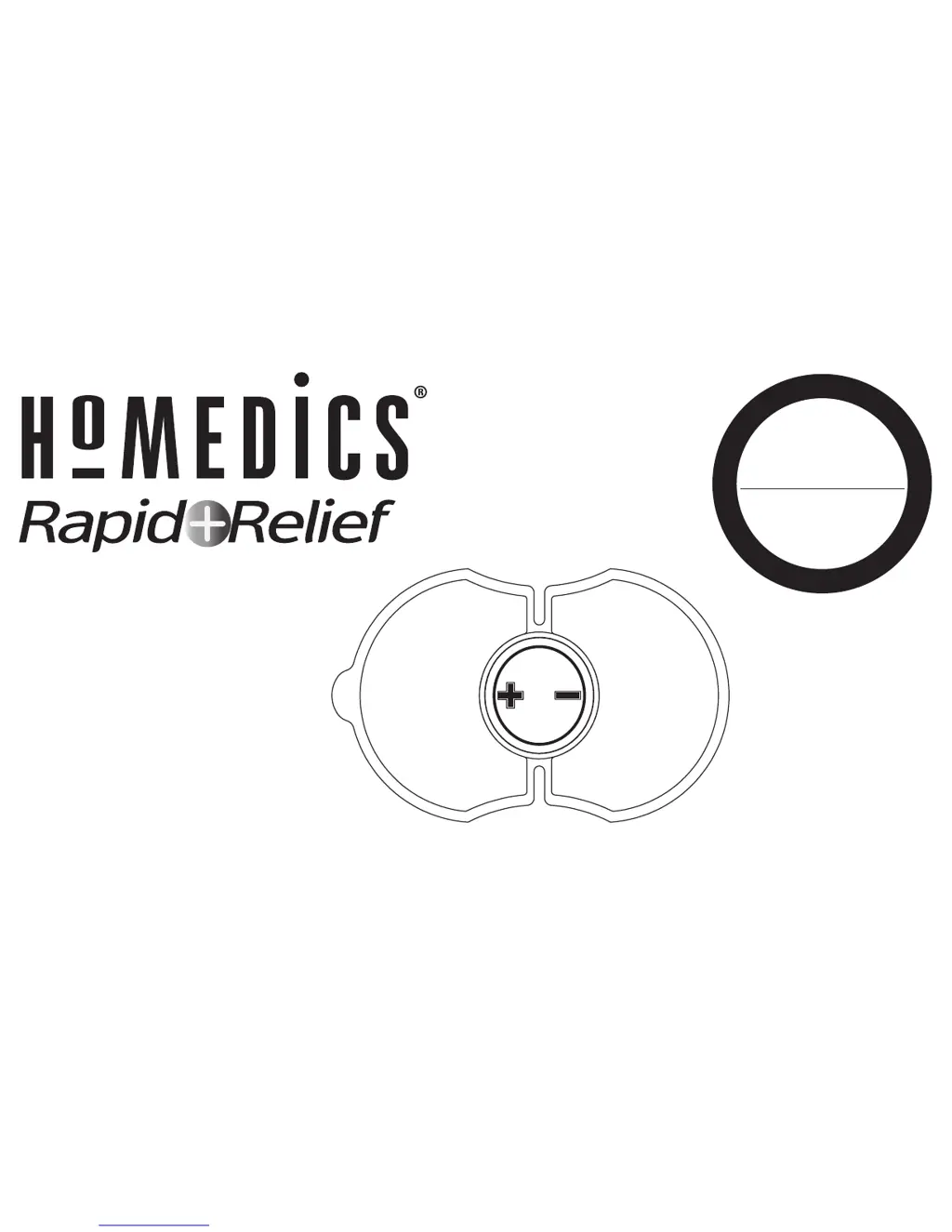
HoMedics Rapid+Relief
17 pages
Print Icon
To Next Page IconTo Next Page
Loading...
P
l
e
a
s
e
T
a
k
e
A
M
o
m
e
n
t
N
o
w
Register
Your Product At:
www.homedics.com/register
Your valuable input regarding this
product will help us create
the products you will
want in the future.
for Lower Back
For more information, please
visit www.rapidreliefpad.com
HW-P105

Questions and Answers

  • L
    Leonard BrownJul 26, 2025
    What to do if my HoMedics Rapid+Relief unit beeps abnormally during treatment?
    • M
      Micheal LambertJul 26, 2025
      If your HoMedics Health Care Products unit beeps abnormally, try the following: First, press and hold the - button for 3 seconds to turn the unit OFF, then press and hold the + button for 3 seconds to turn it back ON. If that doesn't work, the battery may be low and needs to be replaced. Also, ensure the device is securely fixed to the skin; re-apply the pad and press the + button to increase intensity.
  • K
    Karina WilliamsJul 31, 2025
    What to do if my HoMedics Health Care Products intensity suddenly begins to drop?
    • H
      hortonblakeJul 31, 2025
      If the intensity of your HoMedics Health Care Products device suddenly drops, replace the battery. Also, ensure the device is in contact with your lower back.
  • E
    Erin WagnerAug 3, 2025
    What to do if my HoMedics Health Care Products unit fails to turn on?
    • D
      David JonesAug 3, 2025
      If your HoMedics Health Care Products unit fails to turn on, press and hold the + button again for 3 seconds. If it still doesn't turn on, check if the battery is properly placed. If the problem persists, the battery may no longer be good and needs replacing.
  • J
    Joseph WilsonAug 8, 2025
    What to do if I cannot feel the HoMedics Rapid+Relief device working?
    • N
      Nathan ParkerAug 8, 2025
      If you cannot feel your HoMedics Health Care Products device working, press and hold the + button for 3 seconds. Also, make sure the gel pads do not overlap. You may also need to increase the intensity gradually.
  • M
    Melissa Cruz MDAug 12, 2025
    Why are my HoMedics Rapid+Relief gel pads no longer sticking to the body?
    • N
      nkellerAug 13, 2025
      If the gel pads on your HoMedics Health Care Products are no longer sticking, clean the gel pad with a drop of water on your finger or replace the gel pad.
  • G
    Gary LloydAug 16, 2025
    What to do if the skin on the treated area has turned red using HoMedics Health Care Products?
    • A
      Anthony RodriguezAug 16, 2025
      If the skin on the treated area has turned red while using HoMedics Health Care Products, stop treating that area immediately and wait until the skin restores to its healthy state. If irritation persists, consult with a dermatologist.
  • M
    michele85Aug 21, 2025
    How to replace the batteries in HoMedics Rapid+Relief Health Care Products?
    • C
      Christopher ArnoldAug 21, 2025
      To replace the batteries in your HoMedics Health Care Products device, open the battery cover at the back of the device and remove the used batteries from the battery compartment. Refer to the Battery Precautions & Disposal for proper disposal of the battery.

Summary

Warnings and Precautions

Conditions Requiring Caution

Use caution with certain medical conditions, including recent surgery or lack of skin sensation.

Contraindications (Do Not Use If)

Specific Contraindication Conditions

Lists medical conditions and skin states where the device should not be used.

What is Rapid Relief?

Indications for Use

Low Back Pain Relief

Indicates the device is for temporary relief of pain associated with sore and aching muscles in the lower back.

Battery and Gel Pad Assembly

How to Operate

Important Operation Notes

Key operational tips including battery replacement, contact detection, and storage.

Maintenance

Device Storage

Guidelines for storing the device, including keeping it away from children and elements.

Gel Pad Care

Instructions for cleaning and storing gel pads to maintain adhesion and longevity.

Caution

Battery Precautions & Disposal

Troubleshooting

Common Issues and Solutions

Addresses common problems like unit failure, pad adhesion, and abnormal beeping with corresponding fixes.

Product Specifications

Limited One Year Warranty

HoMedics Rapid+Relief Specifications

General IconGeneral
BrandHoMedics
ModelRapid+Relief
CategoryHealth Care Products
LanguageEnglish

Related product manuals