43
Function and device overview
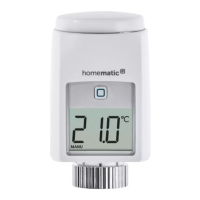
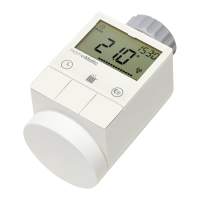
Device overview (see fig. 1):
(A) Metal nut
(B) Display
(C) Battery compartment (cover)
(D) System button (teach-in button, boost and LED)
(E) Temperature adjustment via slight rotation (to the
right or left)
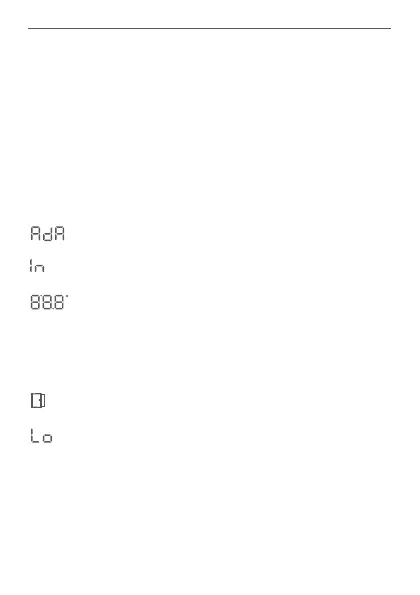
Display overview (see fig. 2):
Valve information: Adaption run
Valve information: Start-up
Setpoint temperature
Manual operation
Boost mode
Open window symbol
Batteries (almost) empty


 To Next Page