4
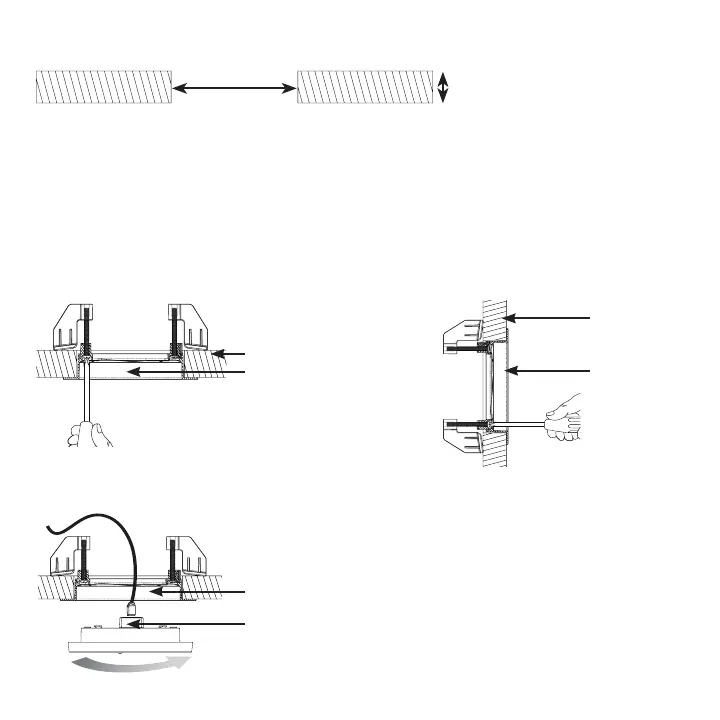
0.30 in to 1.20 in
(8 mm to 30 mm)
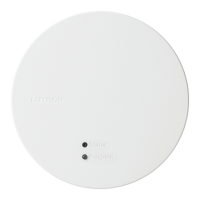
Each wireless processor comes with a recess-mount adapter and a junction box
mount adapter. NOTE: To utilize the shelf-mount adapter (P/N: L-SMNT-WH, sold
separately), please see the instructions included with that product.
Step 3 —
Select the Mounting Adapter for your Installation
31 in to 3` in
(83 mm to 89 mm)
Step 2 — Provide Opening for Adapter
Recess-mount
adapter
Recess-mount adapter
RJ45 Connector (Ethernet Jack)
Ceiling installation
Wall installation
Step 4a — Installation using the Recess-Mount Adapter
Ceiling
Recess-mount
adapter
Wall
OR
Plug in Ethernet cable and attach processor to PoE-enabled network switch or PoE injector


 To Next Page