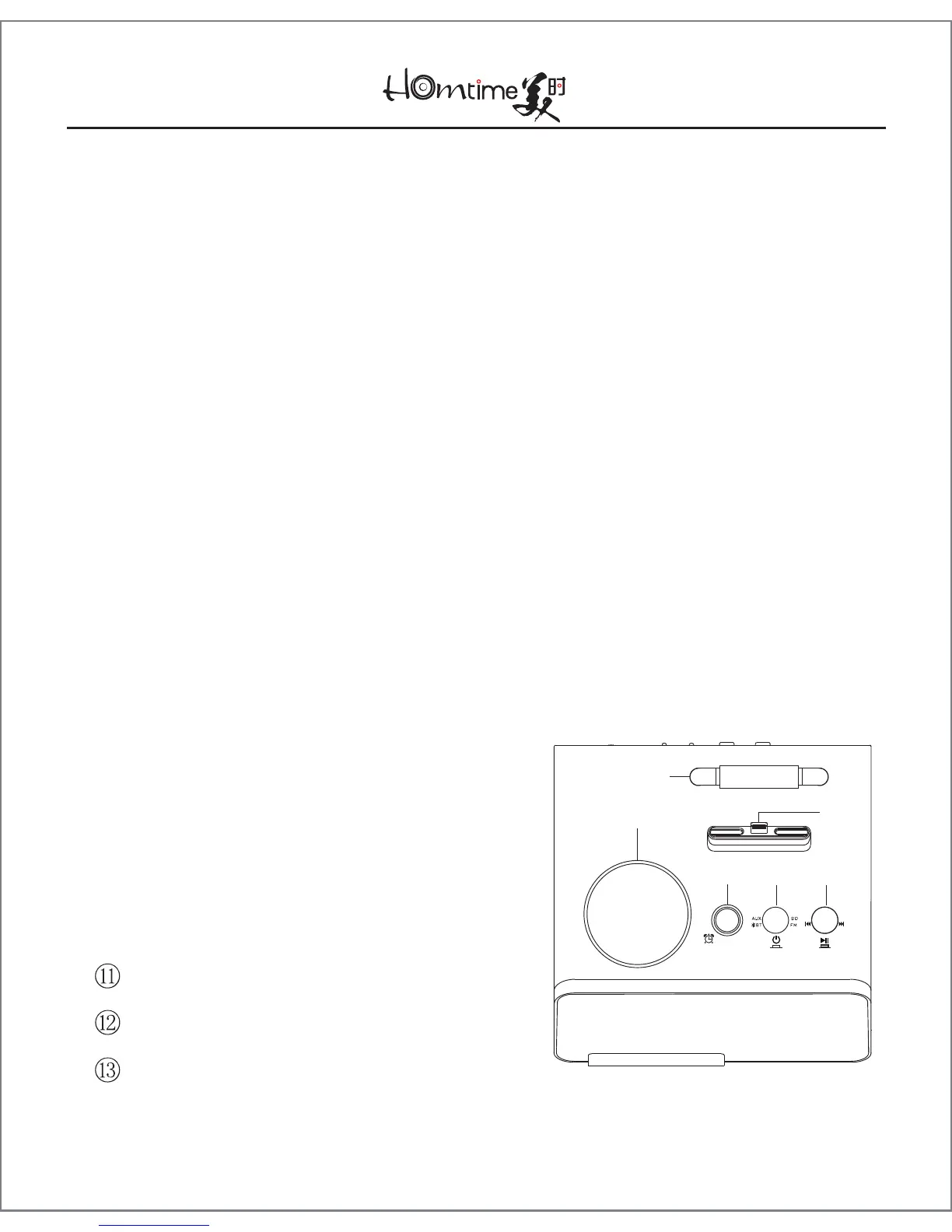
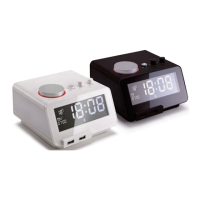
4. Diagram of the C12pro Controls
① Large Rotary Knob
② Supporting Bracket
③ Alarm Set Button
④ Mode Selector and On/Off Knob
⑤ Small Knob
●
In music mode, press to play/pause. To skip forwards, turn
clockwise. Turn anticlockwise to skip backwards. To fast-
forward, turn and hold clockwise. Turn and hold anticlock-
wise to rewind.
●
In Radio mode, press to scan from the current station to
the next. To quickly scan through stations, turn and hold.
⑥ USB Charging Port ①
⑦ USB Charging Port ②
⑧ Lightning Connector
⑨ DC Adaptor Socket
⑩ AUX-in Jack
Celsius/Fahrenheit Selector Switch
Temperature Sensor
24hr/12hr Mode Selector Switch
-3-
①
③ ④ ⑤
②
⑧


 To Next Page