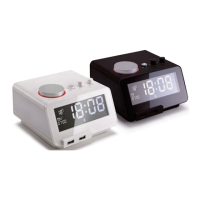
6.3 Turn On/Off:
●
Once plugged into a wall socket, the C12pro is on standby
mode. Press ④ to turn the unit on
●
Press and hold ④ to turn the C12 pro off. Once in this mode,
the LCD will continue to show the time and temperature
6.4 Time Setting
●
Slide the time set switch to time set mode. This will cause
the time to flash on the LCD.
Then rotate ① to set the time. Slide the time setting switch to
lock mode to lock-in the desired time
●
Dock your iPhone onto ⑧ when the unit is on. Time will be
sync with your iPhone.
●
Press to switch between 12h/24h time settings
-7-


 To Next Page