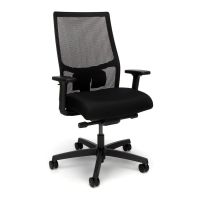
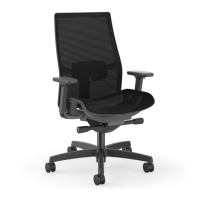
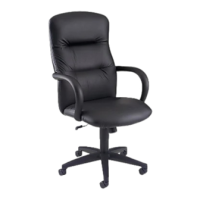
Ignition® 2.0 Task Seating
Functionality Guide
Raise or lower arms to help support
forearms and to keep shoulders
aligned in a neutral position.
Arm Rest
Press button to move arm rest up
and down.
Adjust the seat height to find the
optimal seated position. Legs
should be at ninety degrees for
the best support.
Seat Height
Press lever upward to adjust seat
height.
Proper tension should allow you
to lean back easily while providing
support when reclining.
Tilt Tension
Turn knob clockwise or counter-
clockwise to adjust the tilt tension.
Adjust the width of the arms based
on personal preference and body
size. Keep them as close to the
torso as possible for maximum
support.
Arm Width
Press lever back horizontally to
unlock arm and adjust width.
The seat slides forward and back
to a position that best supports
the leg length and reduces
pressure, providing long-term
comfort.
Seat Glide
Press lever upward to adjust the
seat glide.
Back can be locked in multiple
positions or set to recline freely.
Tilt Lock
Turn knob clockwise or counter-
clockwise to lock and unlock.
1
1
2
7
3
3
4
4
5
5
6
6
For more information, visit hon.com/Ignition
Your chair may not include all of the above features.
Chair is warranted for users
up to 300 pounds.
2
Adjust the lumbar support to
best fit the user. The lumbar
provides proper support to the
lower back.
Lumbar Support
Slide up or down for desirable
comfort.
7


 Need help?
 General