c
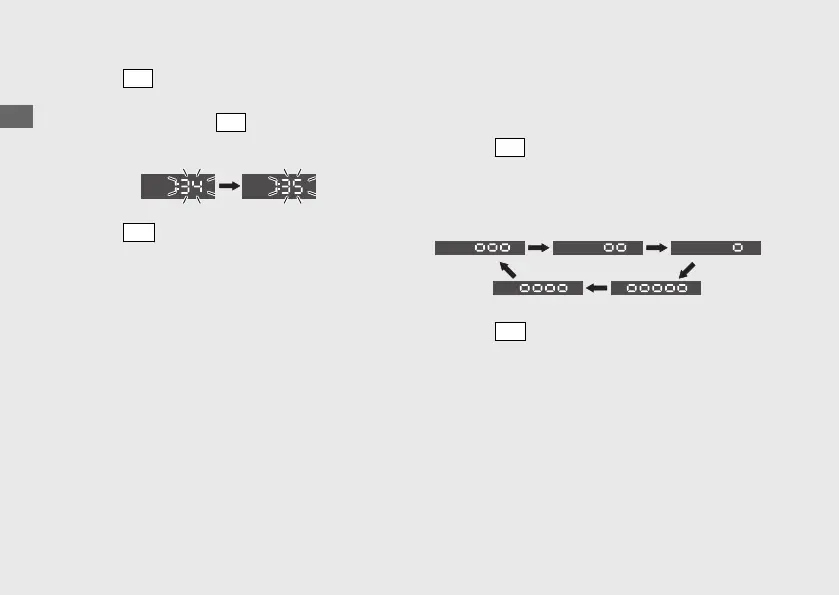
Press
SEL
button until the desired minute is
displayed.
u Press and hold
SEL
button to advance
the minute quickly.
d
Press
SET
button. The clock is set, and then
the display moves to the backlight
brightness adjustment.
3 Backlight brightness adjustment:
You can adjust the brightness to one of five
levels.
a
Press
SEL
button. The brightness level is
switched.
u You can adjust the brightness level from
five levels.
b
Press
SET
button. The backlight is set, and
then the display moves to the activating/
deactivating of tripmeter A, average fuel
mileage, fuel consumption, average speed
and elapsed time automatic reset mode.
Operation Guide
34
Instruments (Continued)






 To Next Page