38
ELEMENT
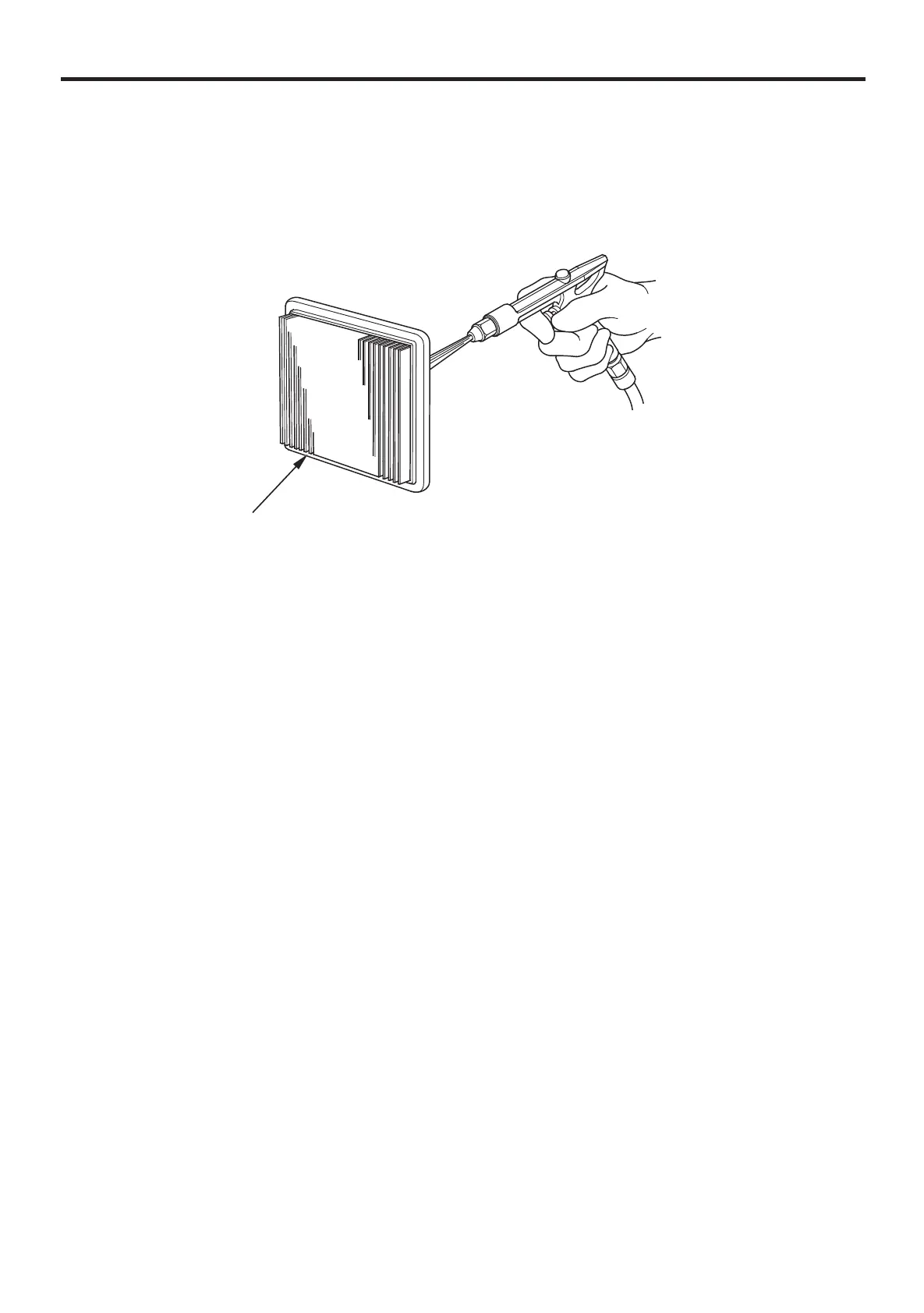
Tap the element lightly several times on a hard surface to remove
excess dirt, or blow compressed air through the filter from the inside
out. Never try to brush the dirt off; brushing will force dirt into the
fibers. Replace the element if it is excessively dirty.
Install the element and the air cleaner cover.
To install the air cleaner cover, first set the lower hooks to the
mounting pins on the air cleaner case, then push the air cleaner
cover to set the latch tabs into the groove of the air cleaner case.
3.
4.


 To Next Page