EasyManua.ls Logo

Honda HRM3000 - User Manual

Honda HRM3000
108 pages
Print Icon
To Next Page IconTo Next Page
Loading...
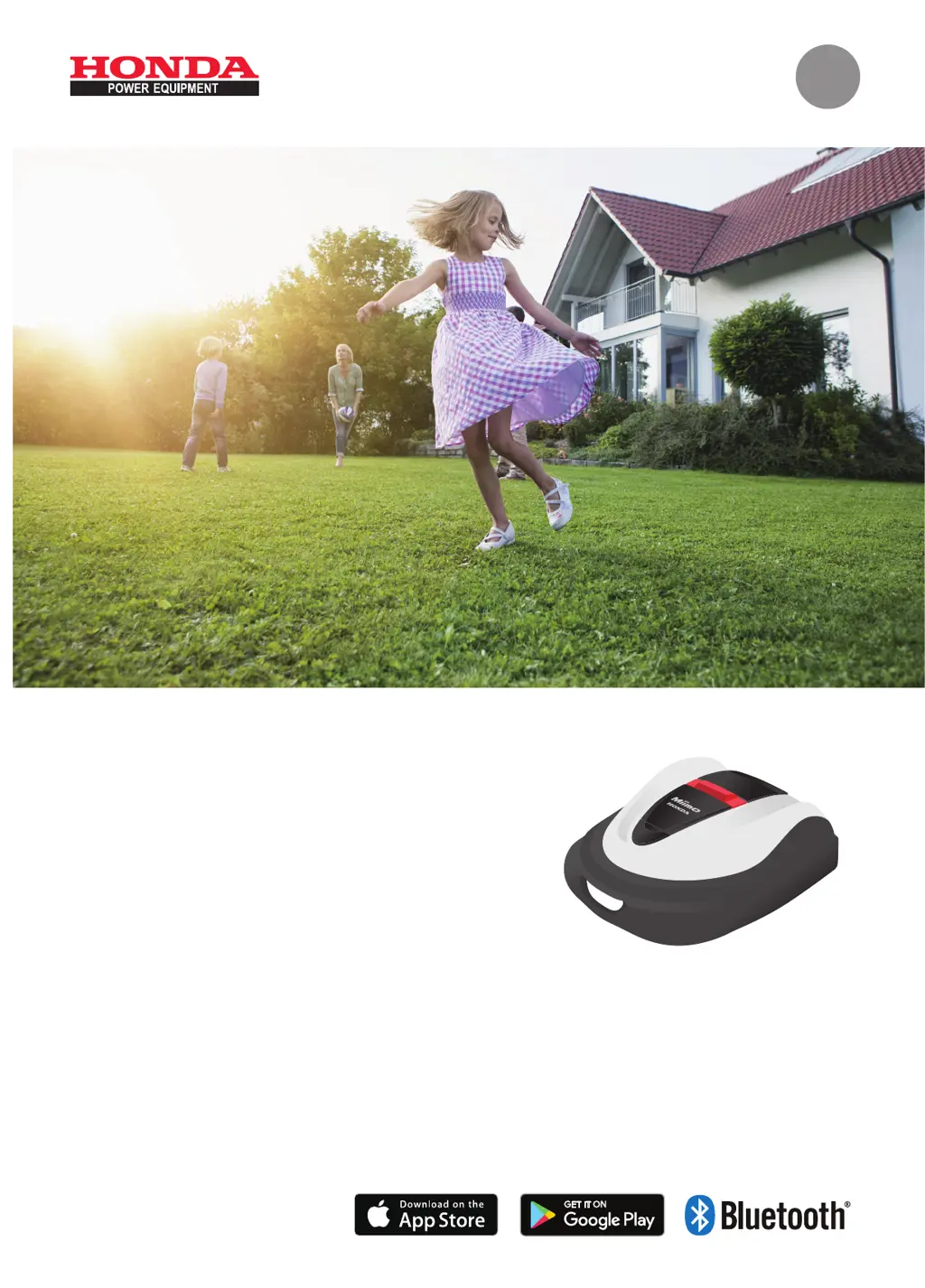
Honda
Robotic
Lawnmower
HRM3000
Owner’s Manual
Original Instructions
Please refer to "5.Mii-monitor Preparation" how to install the Mii-monitor and setting of Bluetooth
®
.
EN

Table of Contents

Questions and Answers

  • S
    Steven RoseSep 8, 2025
    Why is my Honda HRM3000 found stopped and switched off in the garden?
    • R
      Ryan HernandezSep 8, 2025
      - A power failure occurred. The lawnmower behaves as follows: In case that the power supply is cut off for more than 30 minutes, the lawnmower will shut off automatically to prevent the battery from becoming empty. In case that the power supply comes back within 30 minutes, the lawnmower will start mowing automatically. - The lawnmower will return to the docking station if the battery residual capacity is low.
  • S
    Stefanie CrossAug 25, 2025
    What to do if my Honda HRM3000 Lawn Mower says 'Area signal lost'?
    • T
      Thomas BeckAug 25, 2025
      If your Honda Lawn Mower displays an 'Area signal lost' message, the lawnmower isn't detecting the boundary wire signal. Check that the boundary wire connectors are correctly connected. If the message continues to appear, contact your dealer.
  • S
    Stephanie ChurchAug 25, 2025
    What to do if my Honda Lawn Mower displays 'Outside loop'?
    • J
      John NicholsAug 26, 2025
      If your Honda Lawn Mower shows an 'Outside loop' message, it means the lawnmower has exited the boundary wire. Move the lawnmower back into the work area. Also, check the power supply of the docking station and ensure the boundary wire connectors are correctly connected. If the message doesn't disappear, contact your dealer.
  • A
    alexandriawhiteSep 18, 2025
    What causes Honda Lawn Mower not docking?
    • A
      Ashley BrownSep 18, 2025
      If the Honda Lawn Mower does not dock into the docking station, check the station for any deformation. Inspect the boundary wire underneath the station. Clean the charging sockets on both the lawnmower and the station.
  • M
    Michelle BernardSep 8, 2025
    Why does my Honda HRM3000 Lawn Mower go out of the boundary wire?
    • J
      Joseph FuentesSep 8, 2025
      Record where the lawnmower goes out of wire. Check the ground condition, weather condition and tyre condition when the lawnmower goes out of the boundary wire. Clean up the tyre if it has any mud, leaves, or grass. Try to continue. If the issue occurs frequently, contact your dealer.
  • C
    Christopher FloresSep 13, 2025
    How to troubleshoot charging issues with Honda Lawn Mower?
    • A
      Anthony Pittman PhDSep 13, 2025
      If your Honda Lawn Mower isn't charging, check the cable connections and make sure the docking station's LED is on. Ensure there's nothing blocking the charging socket. Then, try charging it again. If it still won't charge, contact your dealer.
  • G
    gillespiemichaelSep 3, 2025
    What to do if my Honda Lawn Mower displays 'ENT key'?
    • Q
      qandersonSep 3, 2025
      If your Honda Lawn Mower displays an 'ENT key' message, open the control panel cover and check if any foreign objects are stuck inside. If this message appears after removing any foreign objects, contact your dealer.
  • J
    johnsonlindaSep 4, 2025
    What to do if my Honda HRM3000 Lawn Mower displays 'Key pad'?
    • M
      Michael EdwardsSep 4, 2025
      If your Honda Lawn Mower displays a 'Key pad' message, open the control panel cover and check if any foreign objects are stuck inside. If this message appears after removing any foreign objects, contact your dealer.
  • D
    Dennis LeonSep 23, 2025
    What does 'Key pad' mean on Honda Lawn Mower?
    • J
      Jeremy GomezSep 23, 2025
      If your Honda Lawn Mower displays 'Key pad', open the control panel cover and check for any foreign objects stuck inside. If the message persists after removing any objects, contact your dealer.
  • L
    Leslie VillanuevaAug 29, 2025
    What to do if my Honda Lawn Mower displays 'Battery temp high'?
    • H
      hdicksonAug 29, 2025
      If your Honda Lawn Mower displays a 'Battery temp high' message, set the power to ON, and wait until the message disappears. If the message does not disappear, contact your dealer.

Summary

1 OVERVIEW

How the Honda Robotic Lawnmower Works

Explains the basic principles of how the robotic lawnmower operates and its components.

2 SAFETY INSTRUCTIONS

General Safety Precautions

Provides essential precautions for safe operation and interaction with the lawnmower.

Observing Safety Guidelines

Details specific points to observe for user safety and proper lawnmower handling.

Label Locations and Meaning

Identifies safety labels on the lawnmower and explains their significance for user awareness.

3 PREPARATION

Component Identification

Details the various parts of the lawnmower, docking station, and supplied items.

Installation Guide

Provides instructions and conditions for correctly installing the docking station and boundary wire.

Setting Up the Lawnmower

Guides the user through the initial setup process, including language, date, time, and PIN creation.

Configuring Settings via Setup Wizard

Guides through the step-by-step setup wizard for configuring mowing operations.

4 MENU SETTINGS

Menu Overview and Navigation

Explains the main menu structure and available settings on the control panel.

Work Timer and Scheduling

Details how to set work timers, mowing start points, and seasonal timers for automated operation.

Garden and Mowing Configuration

Covers settings for Auto mode, manual mode, mowing patterns, wire overlap, and edge cutting.

Diagnostics and System Checks

Explains how to check system signals, test start points, and view operating history.

History and Log Viewing

Details how to view operation history, work history, and fault history logs.

System Settings Management

Covers settings for language, display, sound, date/time, security, and system resets.

5 Mii-monitor Preparation

About Mii-monitor Application

Introduces the Mii-monitor app, its features, and how it communicates with the lawnmower.

Pairing and User Registration

Guides on pairing a smartphone/tablet via Bluetooth and registering a user account.

6 USAGE

Pre-Operation Checks

Instructions for checking the mowing area and connecting the lawnmower to a power source.

Basic Operation: Power and Modes

Details powering on/off, PIN entry, and operating in Auto mode.

Adjusting Cutting Height

Guides on how to set and calibrate the cutting height for optimal grass trimming.

Routine Checks and Handling

Procedures for weekly inspections and safe methods for carrying the lawnmower.

7 TROUBLESHOOTING

Preparing for Support

Lists information to gather before contacting customer support for troubleshooting assistance.

Understanding Error Messages

Explains common error messages, their causes, and solutions for addressing them.

Resolving Common Problems

Provides solutions for various operational issues such as charging, movement, and power problems.

8 MAINTENANCE

Periodic Inspection and Maintenance Schedule

Outlines the recommended schedule for regular checks and maintenance tasks for the lawnmower.

Cleaning and Component Checks

Details cleaning procedures for the mower, station, and checking various parts like blades and connectors.

Replacing Blades and Blade Holder

Step-by-step instructions for safely replacing the lawnmower blades and using the blade holder.

9 STORAGE

Winter Storage Guidelines

Recommends procedures for storing the lawnmower and its components during winter.

Preparing for the New Season

Advice on getting the lawnmower ready for operation after a storage period, suggesting dealer checks.

10 TECHNICAL INFORMATION

Product Specifications

Lists detailed technical specifications for the Honda HRM3000 robotic lawnmower.

11 APPENDIX

Operating with Manual Mode

Instructions on how to use the lawnmower in manual mode, bypassing timer settings.

EC Declaration of Conformity Outline

Outlines the content of the EC Declaration of Conformity document for regulatory compliance.

QUICK GUIDE

Fundamentals and Daily Use

Provides a quick overview of basic operations, settings, and garden checks.

Technical Tips and Maintenance Summary

Offers tips on mowing modes, cleaning, and a summary of maintenance actions.

Honda HRM3000 Specifications

General IconGeneral
BrandHonda
ModelHRM3000
CategoryLawn Mower
LanguageEnglish

Related product manuals