EasyManua.ls Logo

Honda HRM300/500 - User Manual

Honda HRM300/500
70 pages
Print Icon
To Next Page IconTo Next Page
Loading...
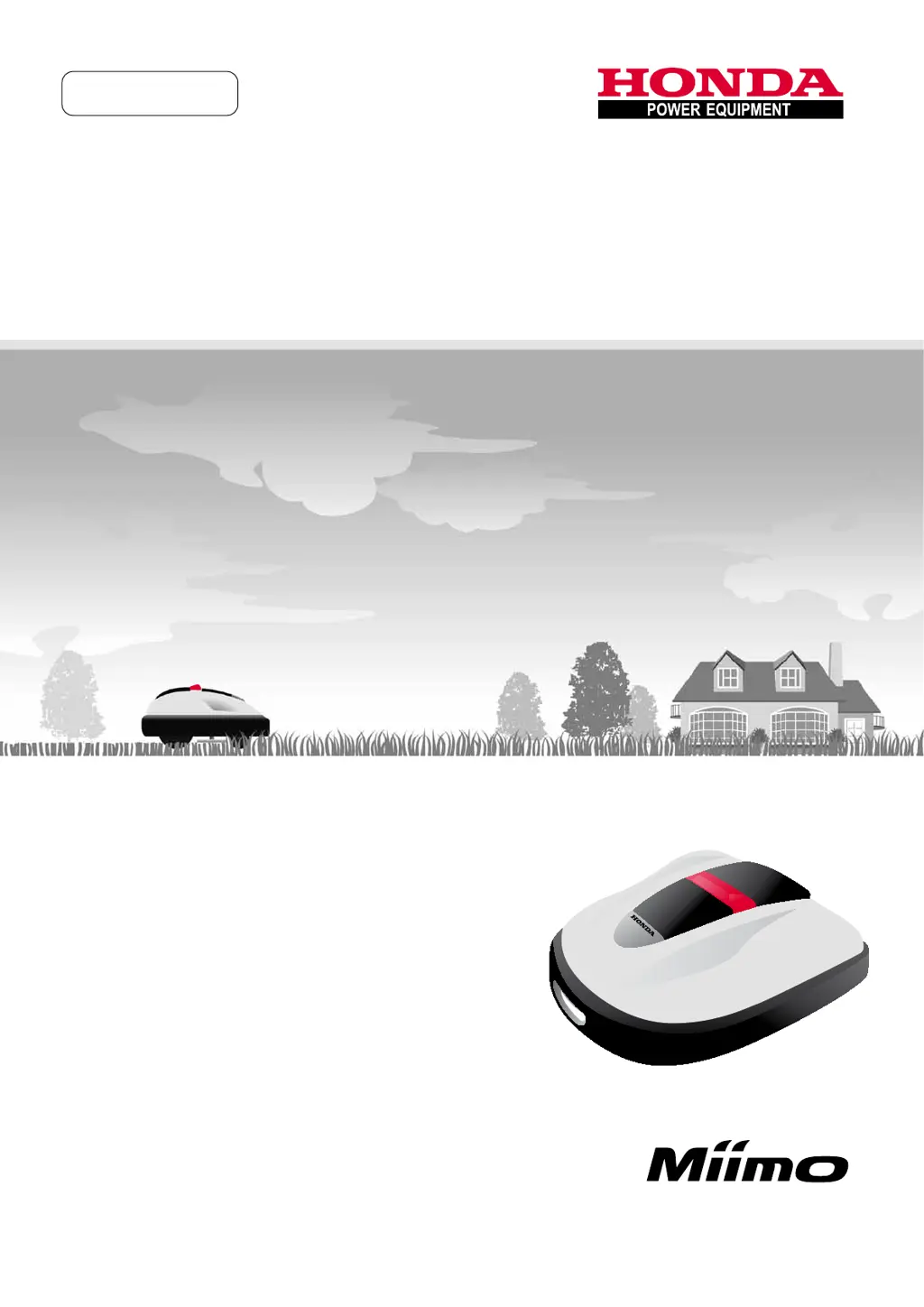
Honda
Robotic
Lawnmower
HRM300/500
Owners Manual
Original Instructions
EN
xxxx.xxxx.xx
xxxx.xxxx.xx32VP7601
00X32-VP7-6010 Honda Motor Co., Ltd. 2013
width5mm
HONDARoboticLawnmowerHRM300/500Ownerʼ sManualCoverDesign2Color(BK+Pantone186c)
210mm 210mm
297mm

Table of Contents

Questions and Answers

  • H
    halljuanAug 19, 2025
    What to do if Honda HRM300/500 displays 'Battery voltage high'?
    • C
      connor65Aug 19, 2025
      If your Honda Lawn Mower displays 'Battery voltage high', it means the battery is charging too much. To resolve this, remove the lawnmower from the docking station, set the power to ON, and wait until the message disappears.
  • A
    arellanomelissaAug 21, 2025
    What to do if Honda HRM300/500 Lawn Mower displays 'Battery voltage low'?
    • R
      robertoliverAug 21, 2025
      If your Honda Lawn Mower displays 'Battery voltage low', it means the battery is not charging enough. To fix this, charge the lawnmower using the docking station.
  • S
    Sarah RobinsonAug 23, 2025
    What to do if Honda HRM300/500 Lawn Mower displays 'Battery Temp high'?
    • K
      Kim JonesAug 23, 2025
      If your Honda Lawn Mower displays 'Battery Temp high', it indicates that the battery temperature is too high. To resolve this, set the power to ON, and wait until the message disappears.
  • N
    Nicole Donovan MDAug 26, 2025
    What to do if Honda Lawn Mower displays 'Battery Temp low'?
    • A
      amandavazquezAug 26, 2025
      If your Honda Lawn Mower displays 'Battery Temp low', it means the battery temperature is too low. To fix this, put the lawnmower in a place where the temperature is 5°C or higher, set the power to ON, and wait until the message disappears.
  • J
    Jessica HerreraAug 28, 2025
    What to do if Honda HRM300/500 Lawn Mower displays 'Outside loop'?
    • K
      Kristin MorenoAug 28, 2025
      If your Honda Lawn Mower displays 'Outside loop', it means the lawnmower has exited the boundary wire. Simply move the lawnmower back into the designated work area.
  • J
    Joseph JonesAug 30, 2025
    What to do if Honda HRM300/500 Lawn Mower displays 'No loop signal'?
    • R
      riveramartinAug 30, 2025
      If your Honda Lawn Mower displays 'No loop signal', it indicates that a signal is not being received from the docking station. Check the power supply to the docking station to ensure it is functioning correctly.
  • N
    nmillerSep 1, 2025
    What to do if Honda HRM300/500 Lawn Mower displays 'Obstruction detection'?
    • H
      heathermannSep 1, 2025
      If your Honda Lawn Mower displays 'Obstruction detection', it means that an obstruction is being detected, or the sensor detects something. To clear this message, enter the PIN.
  • T
    Troy KingSep 3, 2025
    What to do if Honda HRM300/500 displays 'Obstruction sensor'?
    • A
      Amanda CervantesSep 3, 2025
      If your Honda Lawn Mower displays 'Obstruction sensor', it means the obstruction sensor is inactive, or there is an object interrupting the sensor. Holding the display with one hand, push or pull the main cover slowly and fully.
  • M
    Mary CunninghamSep 5, 2025
    What to do if Honda HRM300/500 displays 'Excessive Tilt'?
    • R
      rnielsenSep 5, 2025
      If your Honda Lawn Mower displays 'Excessive Tilt', it means the lawnmower is in an excessively tilted area. Place the lawnmower on a flat surface, and enter the PIN so that the message disappears.
  • A
    andrew14Sep 7, 2025
    What to do if Honda Lawn Mower displays 'Lifted' on my Honda Lawn Mower?
    • A
      Alexis MurphySep 7, 2025
      If your Honda Lawn Mower displays 'Lifted', it indicates that the cover has been lifted by something. Enter the PIN to make the message disappear.

Summary

OVERVIEW

How the Honda Robotic Lawnmower works

Explains the system configuration, boundary wire, and docking station.

Laying boundary wire

Details on laying the boundary wire around objects and slopes.

SAFETY INSTRUCTIONS

Precautions

General safety precautions for operating the lawnmower safely.

Observe the following points for your safety

Specific safety guidelines for handling, operation, and wire management.

PREPARATION

Control panel

Explains the functions of the control panel buttons and display interface.

MENU SETTINGS

Quick Setup

Guides through basic setup for daily operation and scheduling.

Custom Setup

Advanced setup for complex lawns with multiple zones and custom schedules.

USAGE

Connecting to a power source

Step-by-step guide to connect the lawnmower to its power source.

Activating settings

Guides through entering PIN and activating work modes like Quick Setup.

TROUBLESHOOTING

Messages

Lists common display messages and their solutions.

Resolving problems

Solutions for common operational issues like charging or stopping.

MAINTENANCE

Periodic inspection and maintenance

Outlines the schedule and types of periodic maintenance required.

Blade replacement

Step-by-step guide for replacing the lawnmower blades.

STORAGE

TECHNICAL INFORMATION

Honda HRM300/500 Specifications

General IconGeneral
BrandHonda
ModelHRM300/500
CategoryLawn Mower
LanguageEnglish

Related product manuals