585
uuWhen DrivinguBlind spot information System
*
■
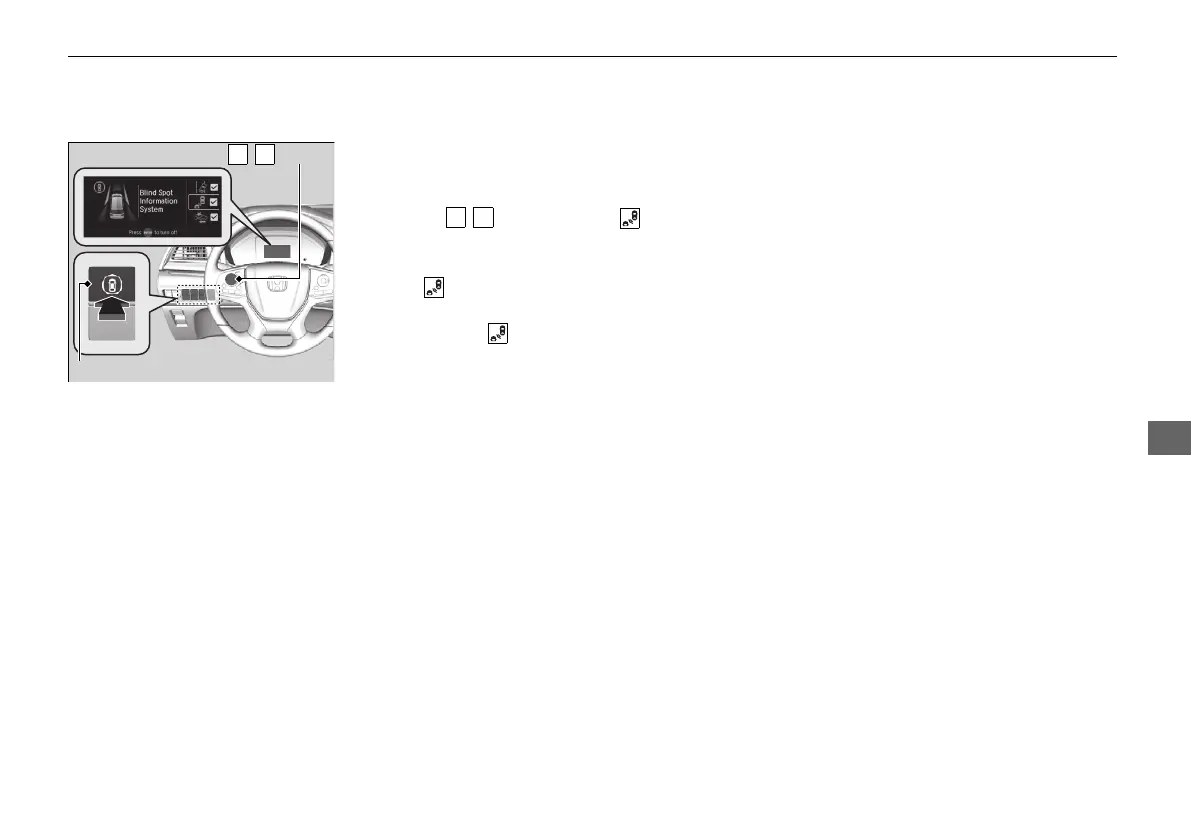
Blind spot information system on and off
When you turn the blind spot information
system on and off, do the following.
1. Press the safety support switch.
2. Press the / button to select symbol,
then press ENTER.
u A tick appears in the box and the color of
the symbol changes green when the
system is on. The tick disappear and the
color of the symbol changes gray
when the system is off.
The blind spot information system is in the
previously selected on or off setting each time
you start the power system.
21 US ODYSSEY-31THR6310.book 585 ページ 2020年6月17日 水曜日 午後2時46分













 To Next Page