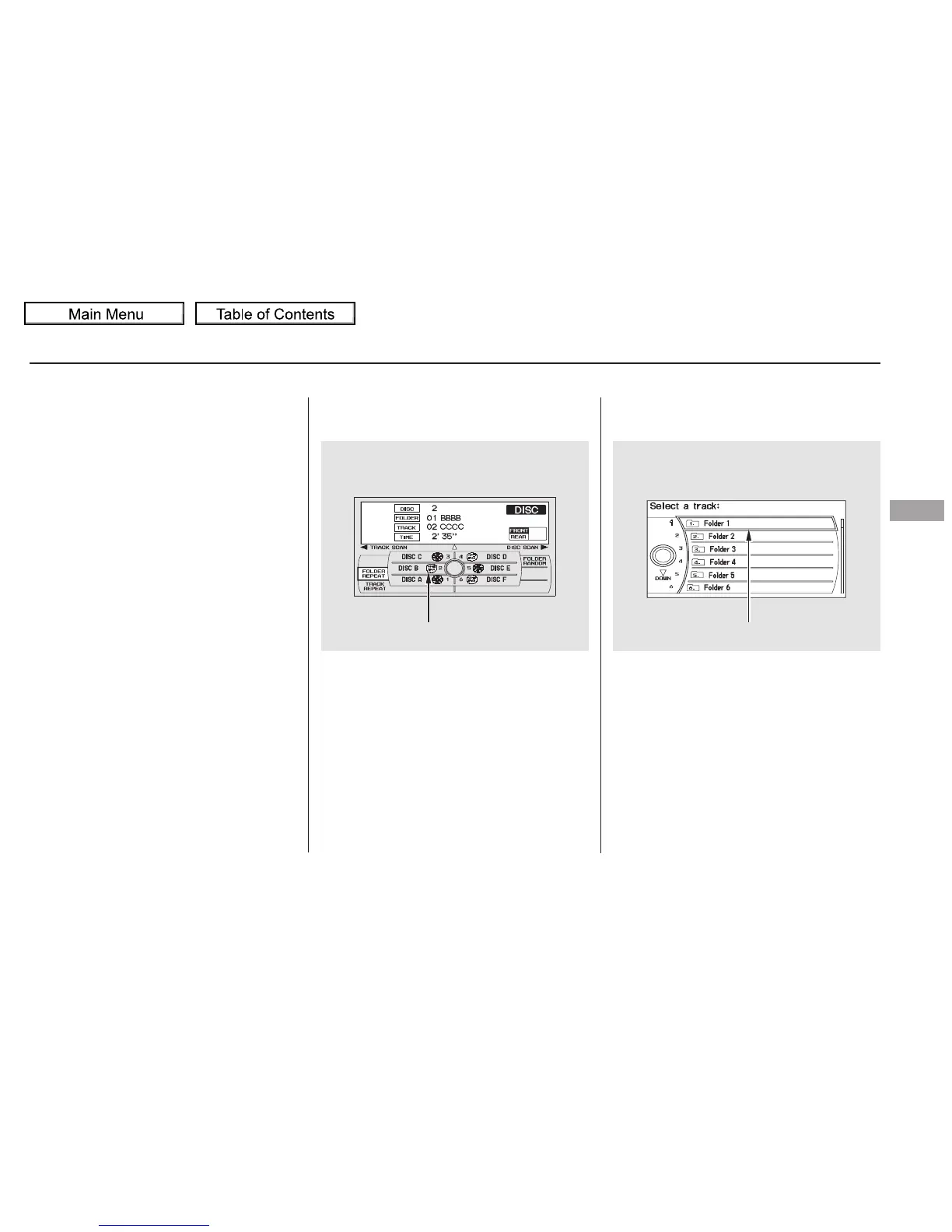
Changing and Selecting the Folders/
Files
Using the interface selector, you can
see the list of all the files and folders
within a disc. While playing a MP3/
WMA disc, press the AUDIO button.
The currently playing folder and file
information comes on the screen.
Push the selector to show the folder
list. Turn the selector knob,
highlight the folder you want to see
the information within, and press
ENTER.
While playing an MP3/WMA disc,
you can select a folder within the
disc by pressing either side of the
category bar. Each time you press
either side of the bar, the folder title
and its first file’s information appear
in the center display in recorded
order.
CONTINUED
Playing Discs (Models with navigation system)
Changing the Folders
Features
281
MP3/WMA INDICATOR CURRENT FOLDER
10/01/26 19:11:15 31SZA620_286














 To Next Page