This feature, when activated,
samples the first file of each folder
for 10 seconds. To scan a folder,
press the SCAN button repeatedly
until you see F-SCAN in the audio
display. You will see SCAN next to
FOLDERandF-SCANintheaudio
display.
To listen to the rest of the folder,
press and hold the SCAN button
until you hear a beep. If you do not,
the system advances to the next
folder, plays 10 seconds of it, and
continues throughout the rest of the
folderthesameway.Whenthe
system samples the first file of all
folders, folder scan is canceled, and
the last file played comes back.
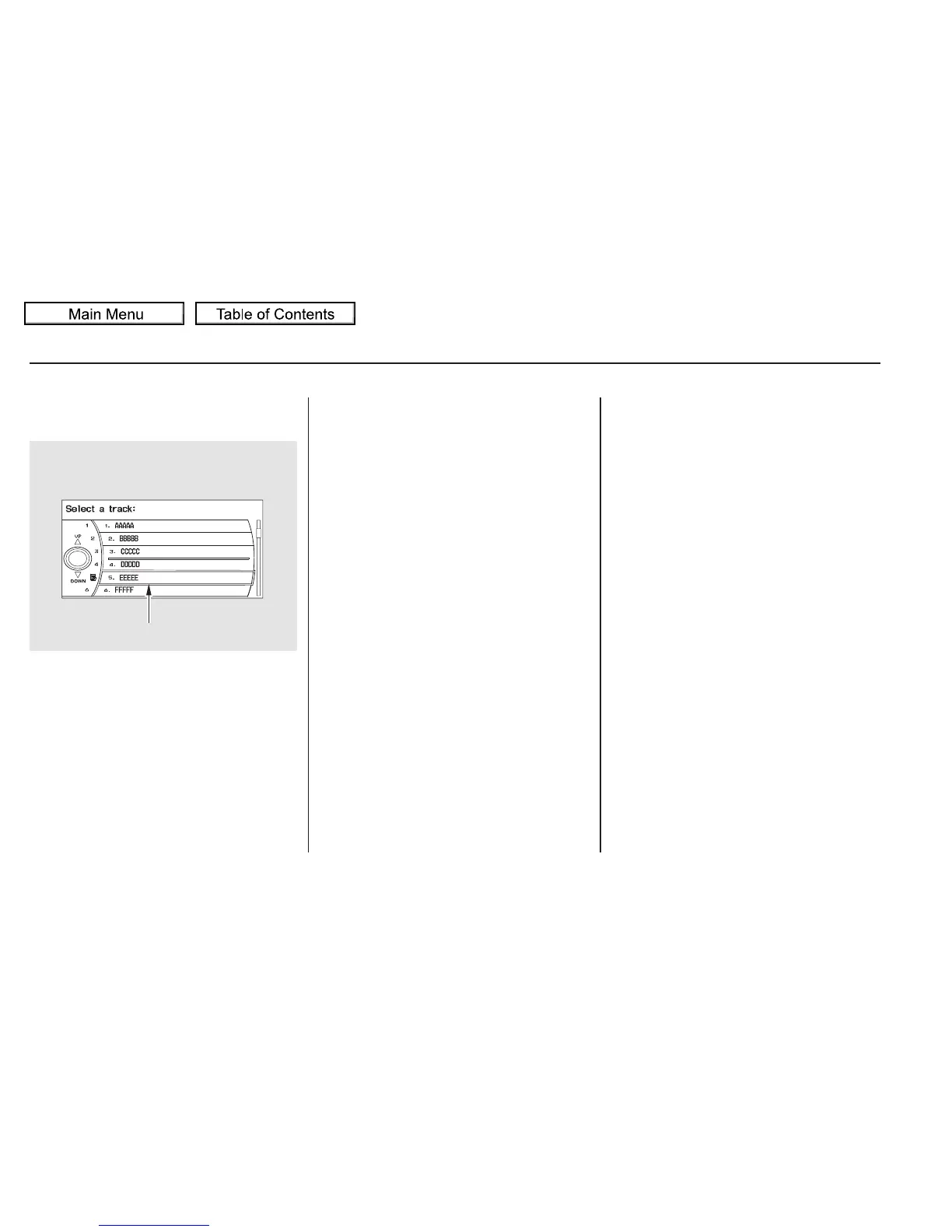
You can see the list of all the files in
the selected folder. Turn the selector
knob, then press ENTER to set your
selection.
If the root folder has some additional
folders in the lower layer, they will
belistedonthescreen.
This feature, when activated, replays
all files in the selected folder. To
activate folder repeat mode, press
the RPT button repeatedly until you
seeF-RPTintheaudiodisplay,or
use the interface selector to scroll
down, select FOLDER REPEAT by
turning the interface knob, and press
ENTER on the interface selector.
You will see REPEAT next to
FOLDER on the screen and F-RPT
in the audio display. To turn this
feature off, press and hold the RPT
button until you hear a beep, or
highlight FOLDER REPEAT (if not
already highlighted), and press
ENTER on the interface selector
again.
Playing Discs (Models with navigation system)
Folder RepeatFolder Scan
282
CURRENT TRACK
10/01/26 19:11:24 31SZA620_287















 To Next Page