▼▲
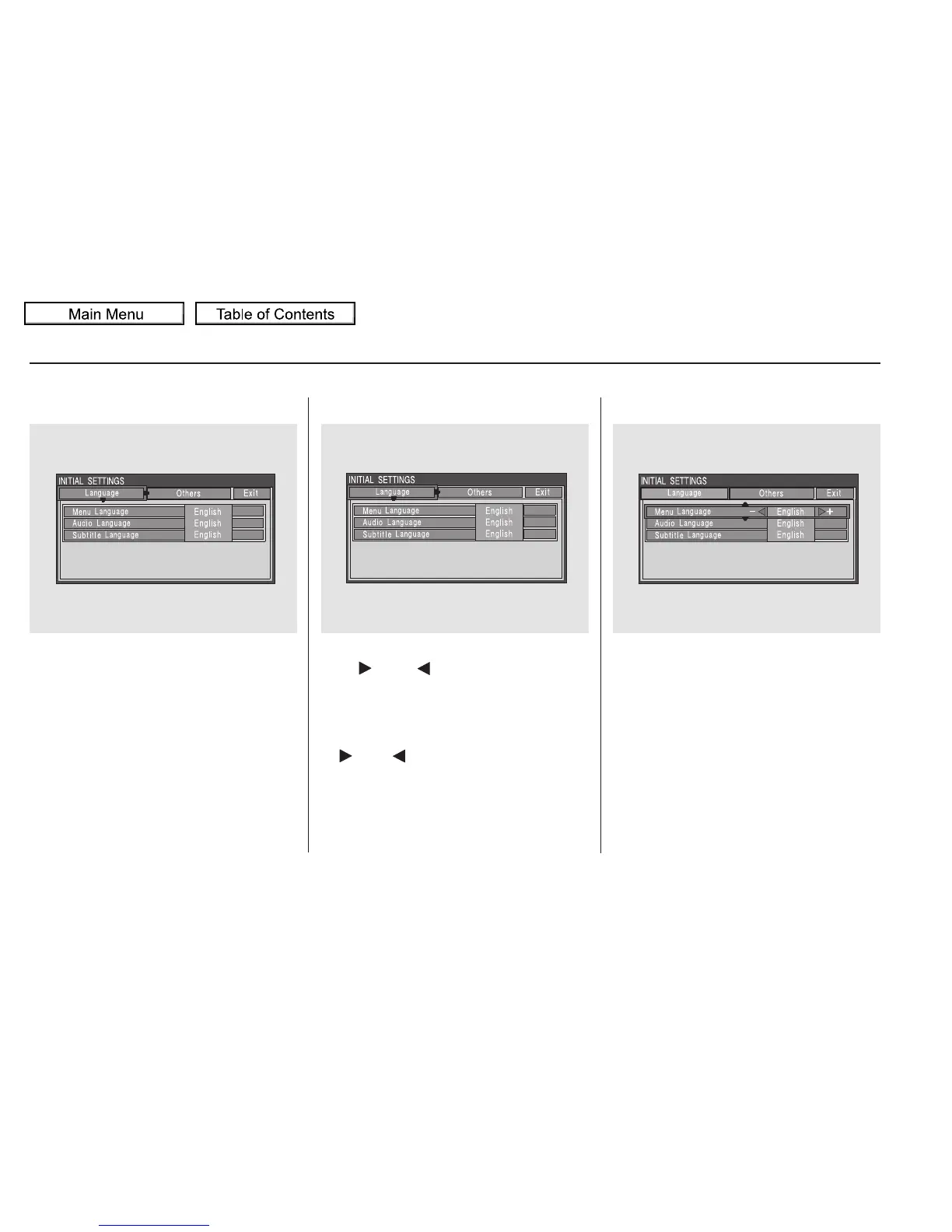
When you press the SETUP button
on the rear control panel when a
DVD is not playing, the ‘‘INITIAL
SETTINGS’’ menu is displayed.
When you select ‘‘Language’’ with
the or button, the menu
shown above appears.
There are two selectable menus:
‘‘Language’’ and ‘‘Others.’’
Menu Language
To return to the stop or prestop
screen, select ‘‘Exit’’ using the
or button, and then press
the ENT, or the SETUP button.
To select the language used in the
DISC menus, select ‘‘Menu
Language’’ by pressing the or
button.
INITIAL SETTINGS Menu INITIAL SETTINGS (Language)
Rear Entertainment System
334
10/01/26 19:20:08 31SZA620_339















 To Next Page