Switching the Honda SMART Key
System
#
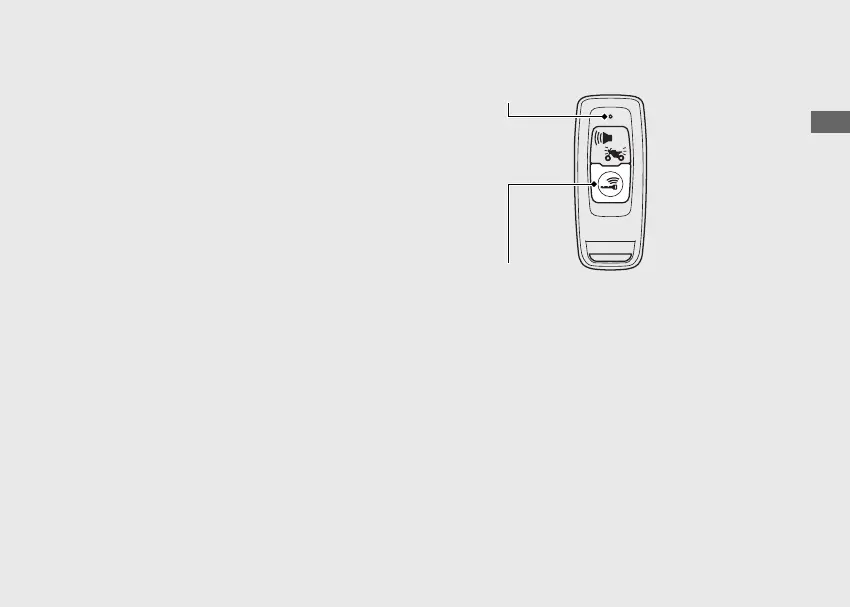
To switch the Honda SMART Key
system to activation or deactivation
Press the ON/OFF button until the Honda
SMART Key LED changes colour.
#
To check the Honda SMART Key
system status
Lightly press the ON/OFF button. The Honda
SMART Key LED will show the status. When
the Honda SMART Key LED is:
Green:
(active)
Honda SMART Key
system authentication
can be performed.
Red:
(inactive)
Honda SMART Key
system authentication
cannot be performed.
20230106100355_32K2FD100_eng_BOOK Page 38 Friday, January 06 2023 10:07:46 JST
Operation Guide
35
Continued
ON/OFF button
LED



 To Next Page