69-2814EFS—07 19
Reconnecting your WiFi network
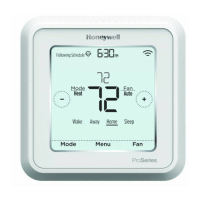
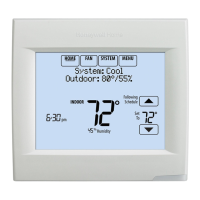
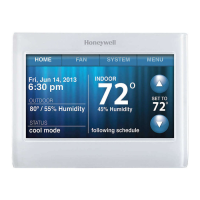
1 Touch MENU.
2 Select Wi-Fi Setup.
3 Touch the name of the network you
want to use. The thermostat may
display a password page.
4 To enter a password, touch characters
to spell out your home network
password, then touch Done.
5 The thermostat displays “Connecting
to your network. Please wait...” then a
“Connection Successful” screen.
6 Touch Next.
• If your thermostat is registered, you
will see your signal strength and
other status information. Touch
Done.
• If the screen displays “Register
Online for Remote Access,” follow
instructions on page 3.
MENU
Wi-Fi Setup
Unregistering your thermostat
If you remove the thermostat from
your Total Connect Comfort website
account (for example, you’re moving
and leaving the thermostat behind),
follow these steps:
1 On mytotalconnectcomfort.com log
into your account.
2 Under My Account, select Edit My
Profile.
3 Click the Delete My Account
button.
Your thermostat will display an orange
button that says Register Online.


 To Next Page
 Loading...