69-2814EFS—07 6
Setting the fan
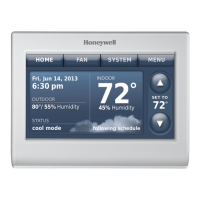
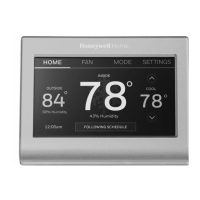
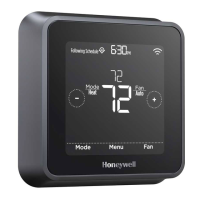
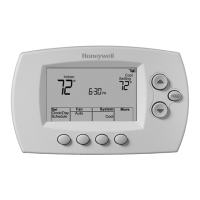
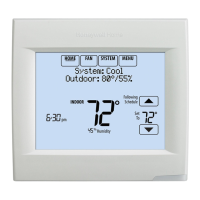
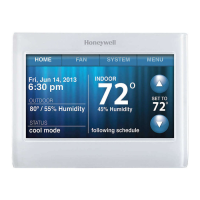
1 Touch FAN to display fan settings.
2 Touch On, Automatic, Circulate, or Follow
Schedule.
3 Touch Done to save and exit.
On: Fan is always on.
Automatic: Fan runs only when the
heating or cooling system is on.
Circulate: Fan runs randomly about
35% of the time (home use only).
Follow Schedule: Fan controlled by
program (see pages
7
9).
Note: Touch Auto or On to temporarily
override the programmed fan schedule.
FAN
Done
Setting system mode
1 Touch SYSTEM to display system settings.
2 Touch desired option:
Heat: Thermostat controls only the
heating system.
Cool: Thermostat controls only the
cooling system.
Off: Heating/cooling systems are off.
Automatic: Thermostat selects heating
or cooling as needed depending on the
indoor temperature.
Emergency Heat (heat pumps
with aux. heat): Controls auxiliary/
emergency heat. Compressor is locked
out.
3 Touch Done to save and exit.
Note: The Automatic and Emergency Heat
system settings may not appear, depending
on how your thermostat was installed.
SYSTEM
Done


 To Next Page
 Loading...