3
Getting started
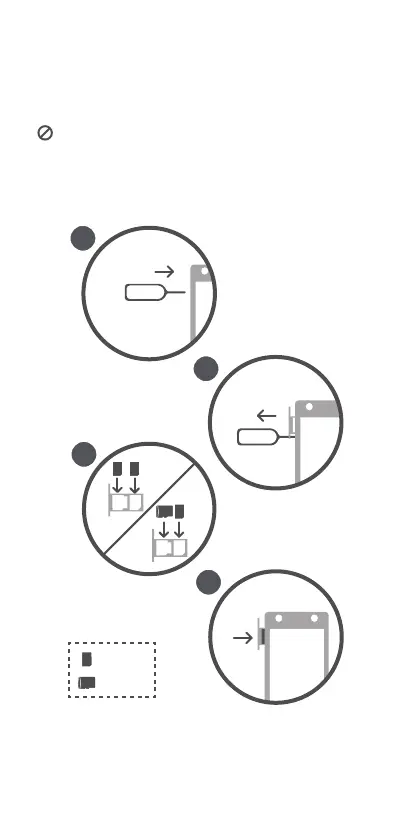
Follow the instructions in the following figures to set up your phone.
Before you insert or remove the SIM card, power off your phone.
When using the SIM ejector pin, exercise caution to avoid injuring
yourself or damaging your phone. Keep the pin away from children to
prevent them from accidentally swallowing it or injuring themselves.



 To Next Page