2
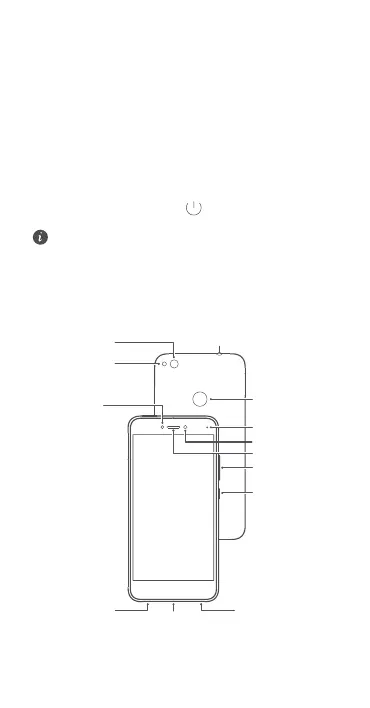
Your phone at a glance
Before you start, let's take a look at your new phone.
•
To turn on your phone, press and hold the power
button until your phone vibrates and the screen turns
on.
•
To turn off your phone, press and hold the power
button, and then touch
.
To forcibly restart your phone, press and hold the
power button until your phone vibrates.
.JDSPQIPOF
4QFBLFS
-JHIUTFOTPS
.JDSP64#QPSU
&BSQJFDF
7PMVNFCVUUPO
1PXFSCVUUPO
'SPOUDBNFSB
4UBUVTJOEJDBUPS
)FBETFUDPOOFDUPS
$BNFSB
'JOHFSQSJOU
TDBOOFS
'MBTI



 To Next Page