Charging Your Device With a PC
1 Connect your device to a PC or other device using a USB cable.
2 When the Use USB to dialog box is displayed on your device, touch Charge only.
If another option has been set previously, the dialog box will not pop up. Swipe down
from the status bar to open the
notication panel, touch Settings, then select Charge
only.
Overview of Battery Icons
You can check the battery level from the battery icon on the device screen.
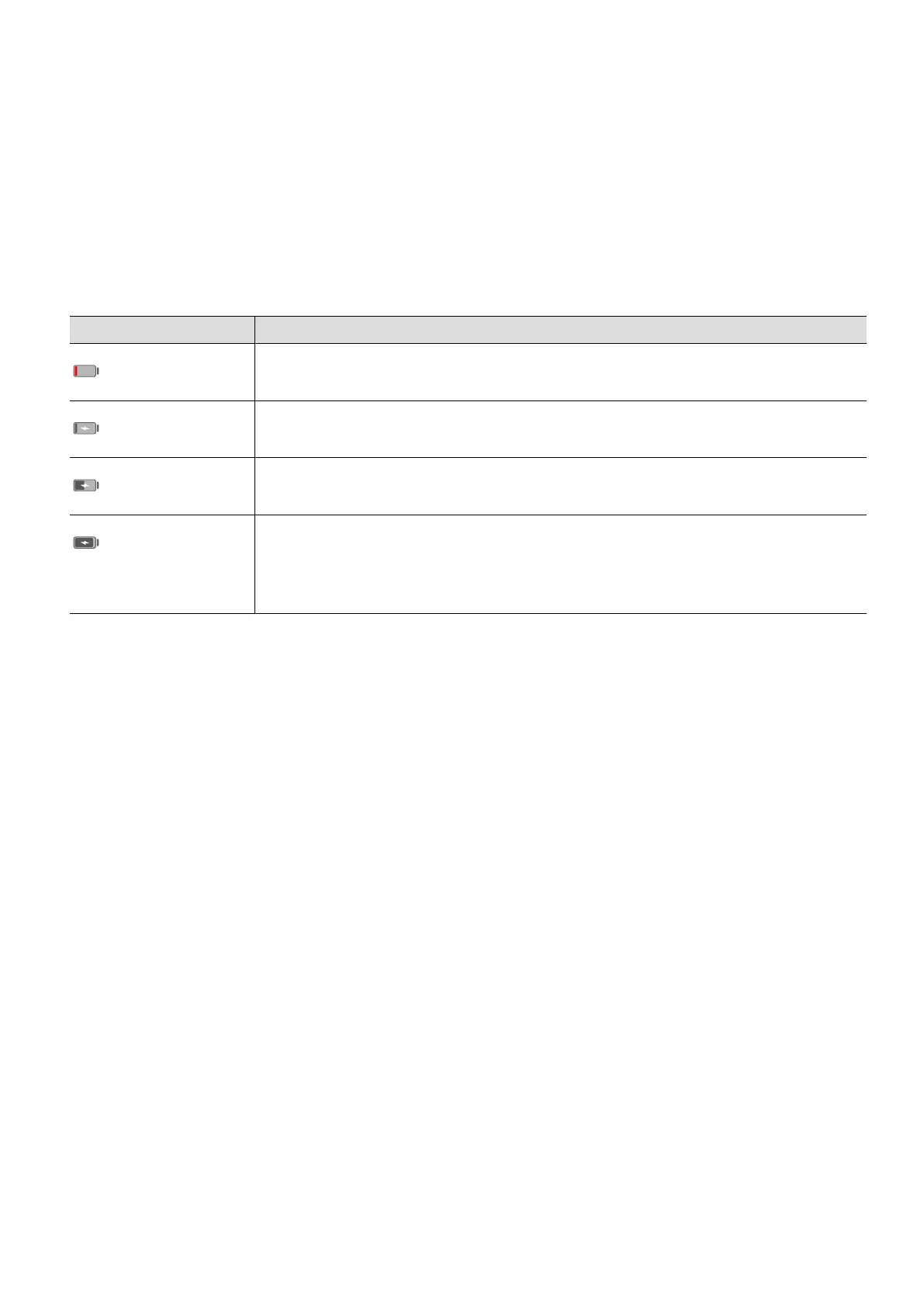
Battery Icon Battery Level
Less than 4% battery remaining
Charging, less than 10% battery remaining
Charging, 10% to 90% battery remaining
Charging, at least 90% battery remaining
If 100% is displayed next to the battery icon, or a charging complete
message is displayed on the lock screen, the battery is fully charged.
Essentials
16



 To Next Page